
Cinch – Reminders & Tasks
A calm, keyboard-first client for Apple Reminders and Calendar across Mac, iPhone, iPad, and Apple Watch.
Fact sheet
| Developer | Petr Selinger (Brno, Czech Republic) |
| Release Date | September 2026 |
| Platforms | macOS, iOS, iPadOS, watchOS, visionOS |
| Pricing | Free (1 list) / Cinch Pro: $9.99/year |
| Tech Stack | Swift, SwiftUI, Apple EventKit, CloudKit (no custom servers) |
| Website | getcinch.app |
| Press Contact | press@peteger.com |
| App Store | apps.apple.com/app/id6777175332 |
Ready-to-publish copy
Two descriptions you can quote verbatim.
Cinch is a native app for Apple Reminders and Calendar that gives daily planning visual breathing room without locking your data behind proprietary servers.
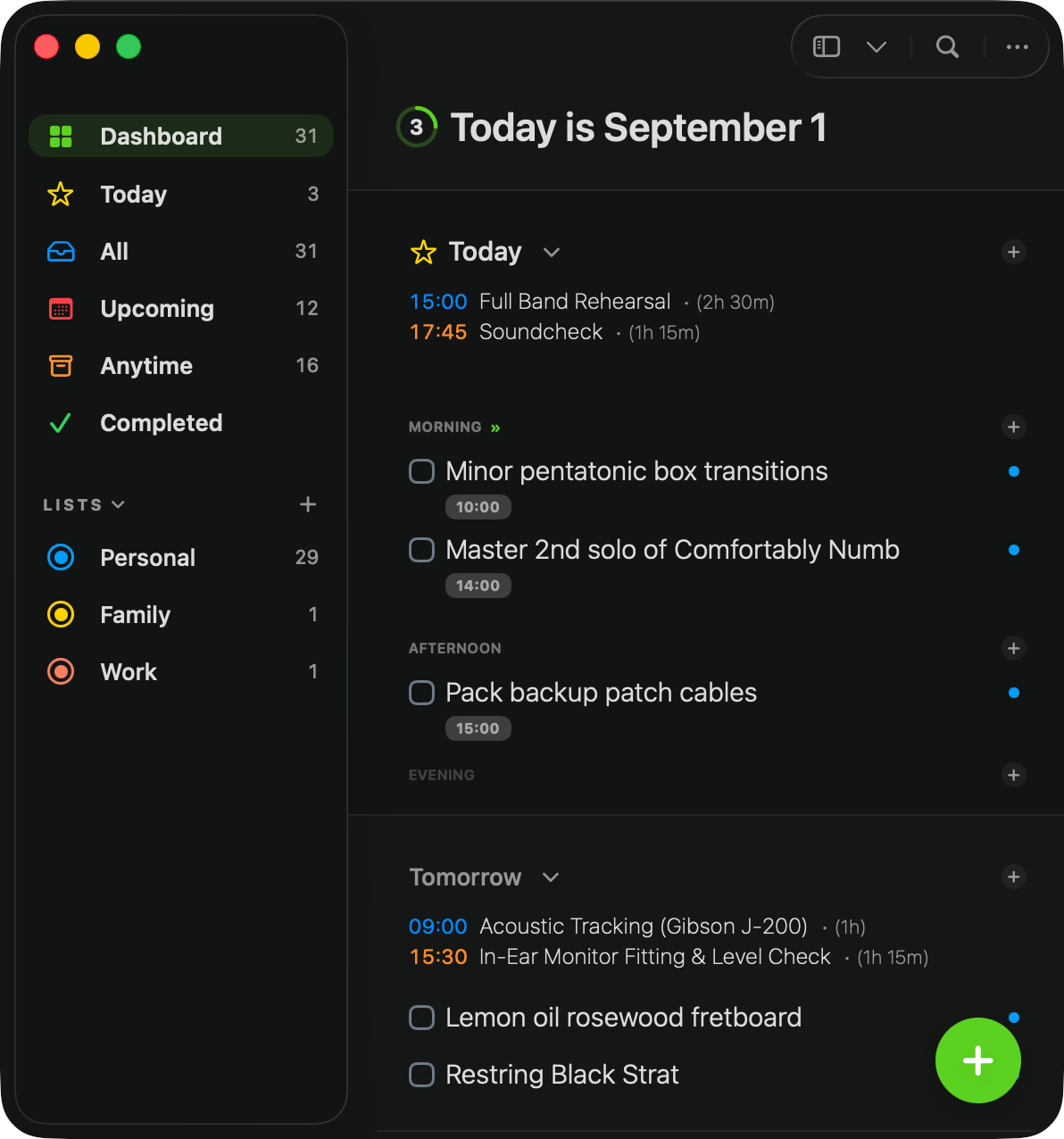
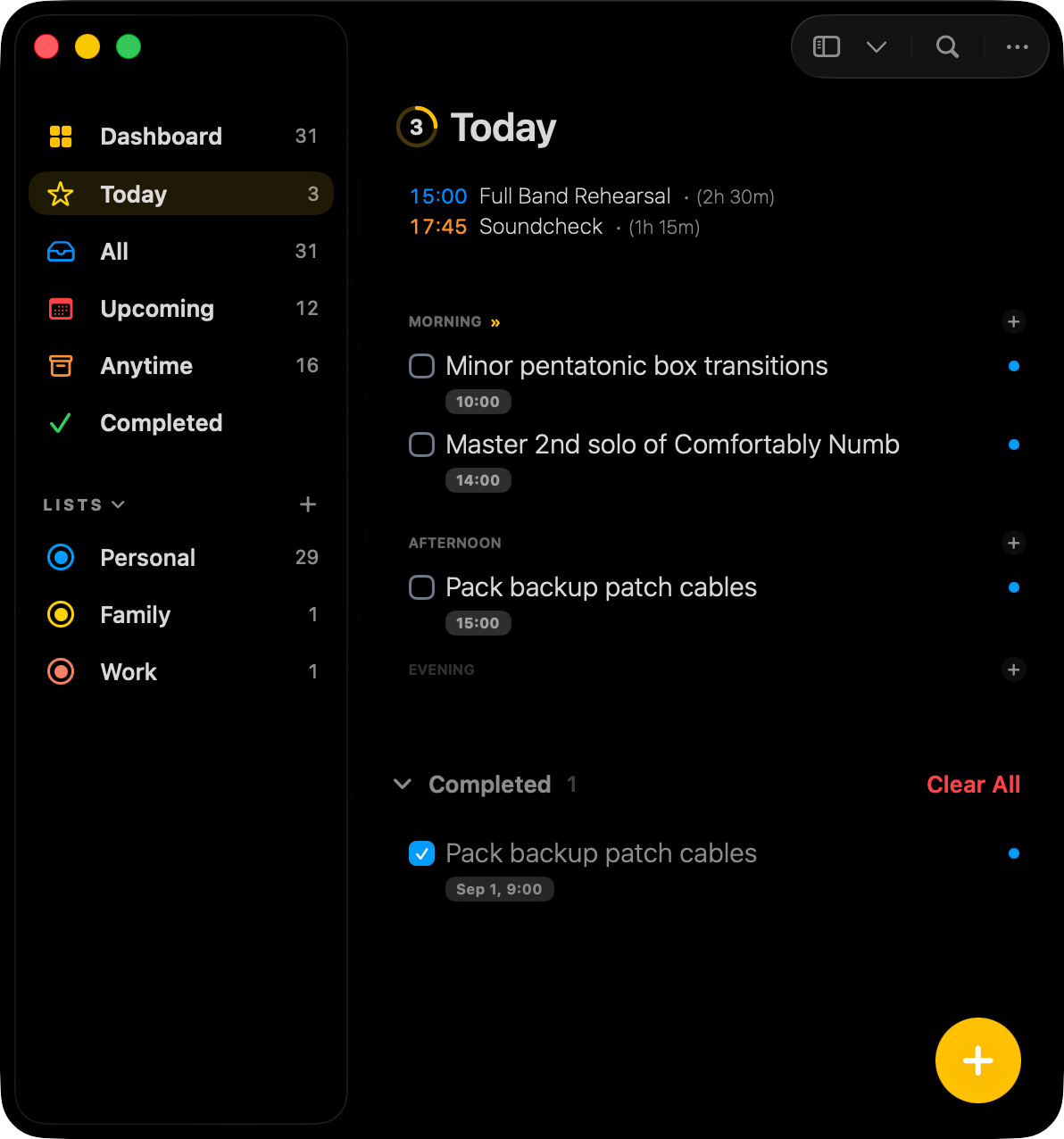
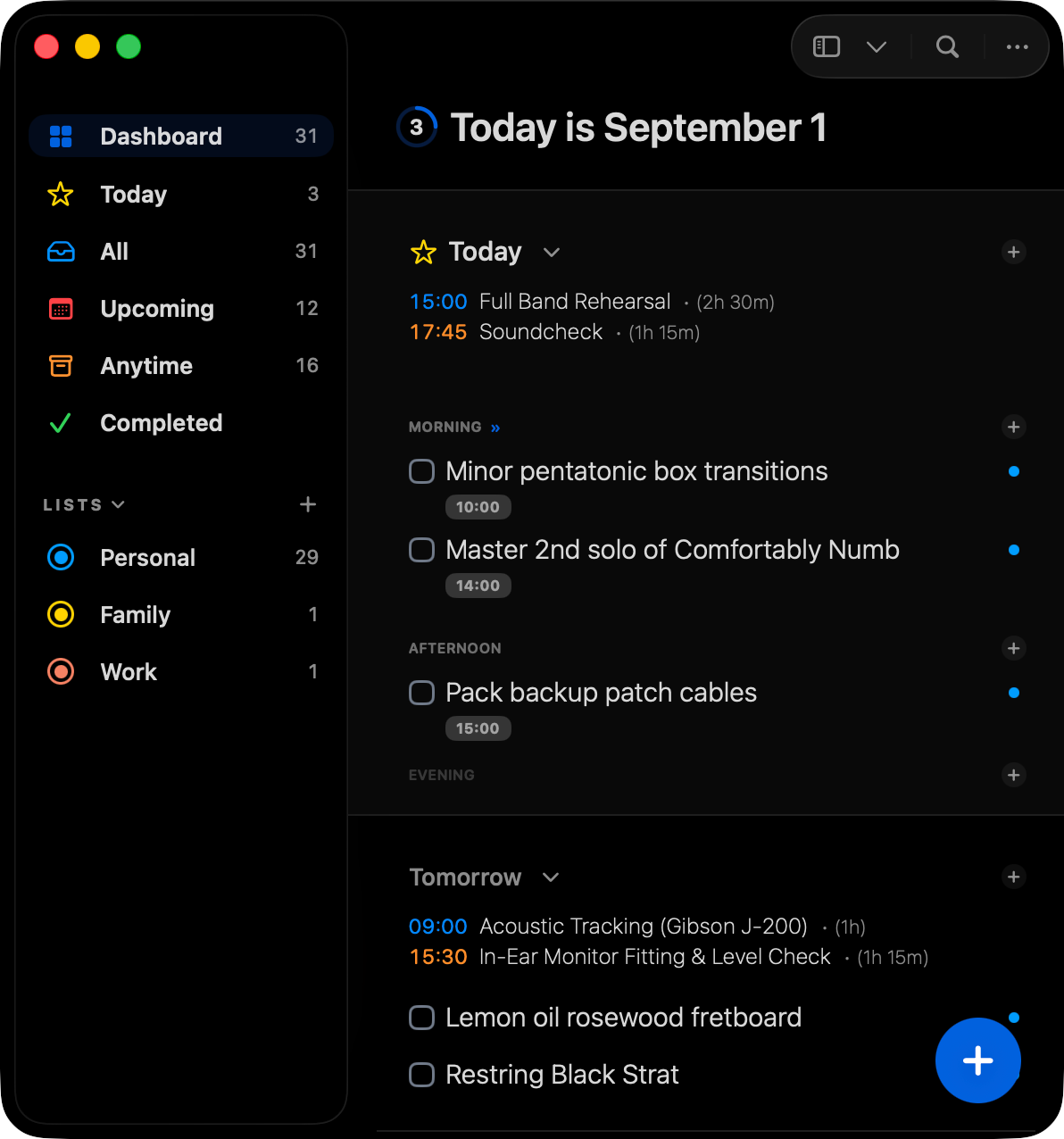
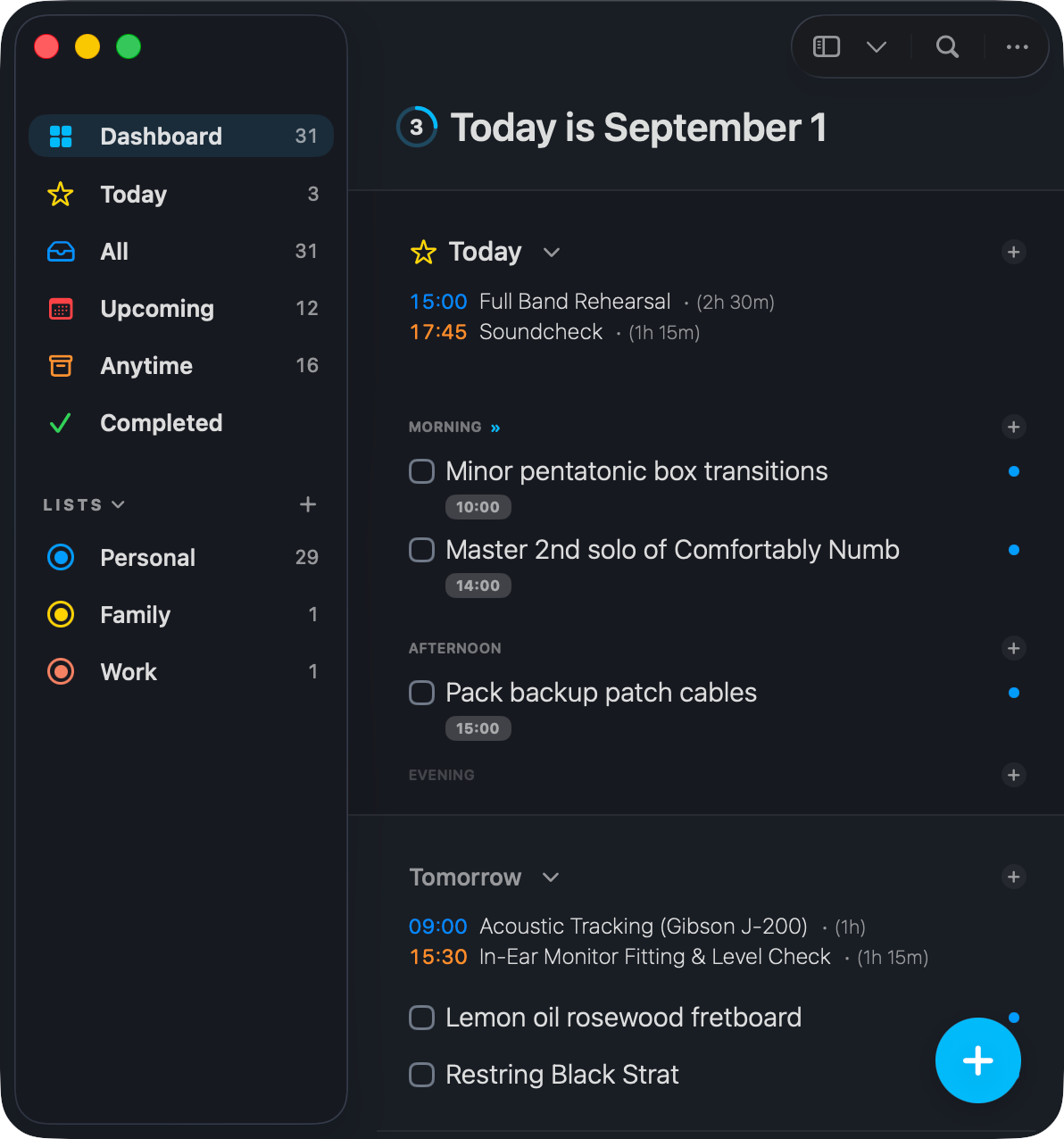
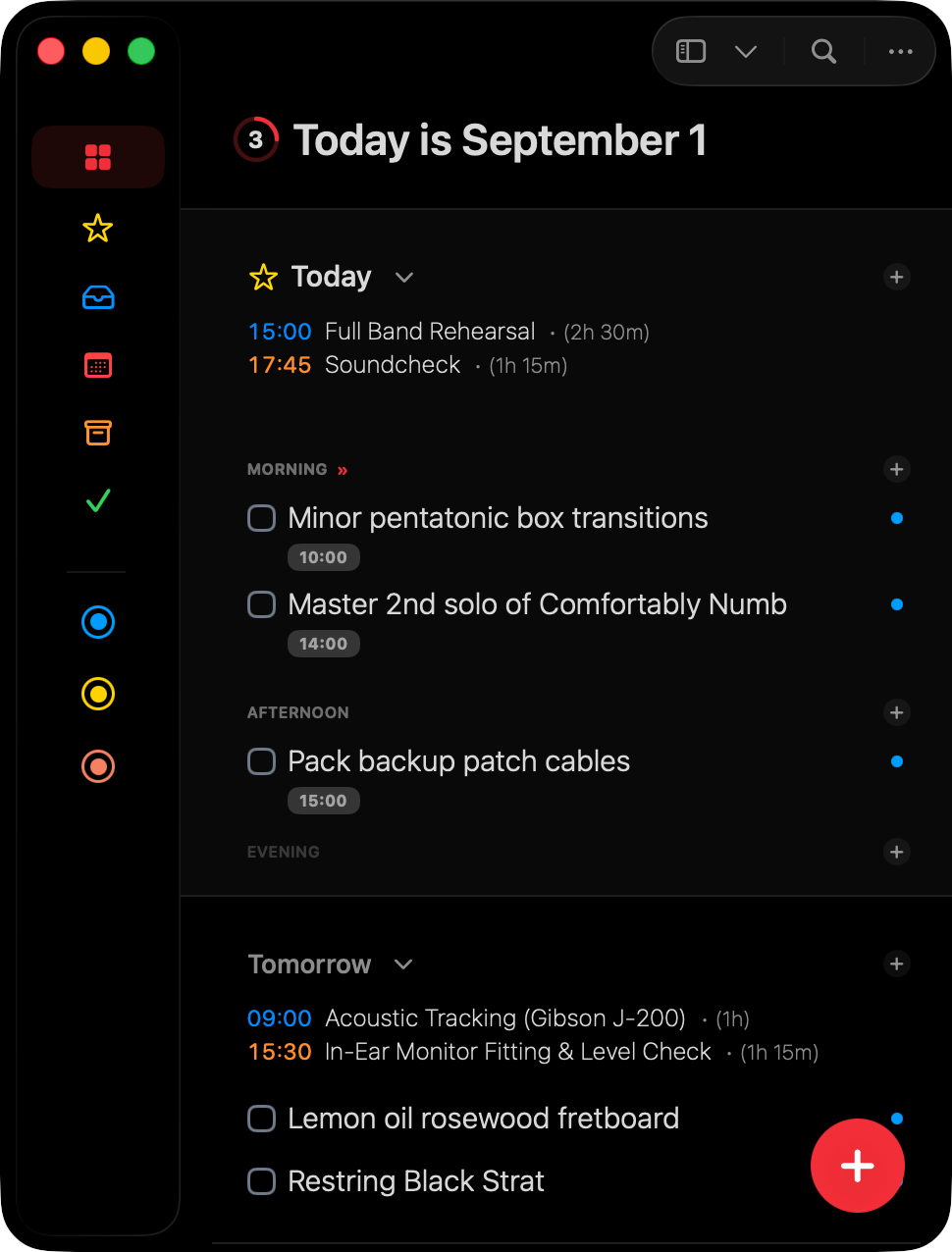
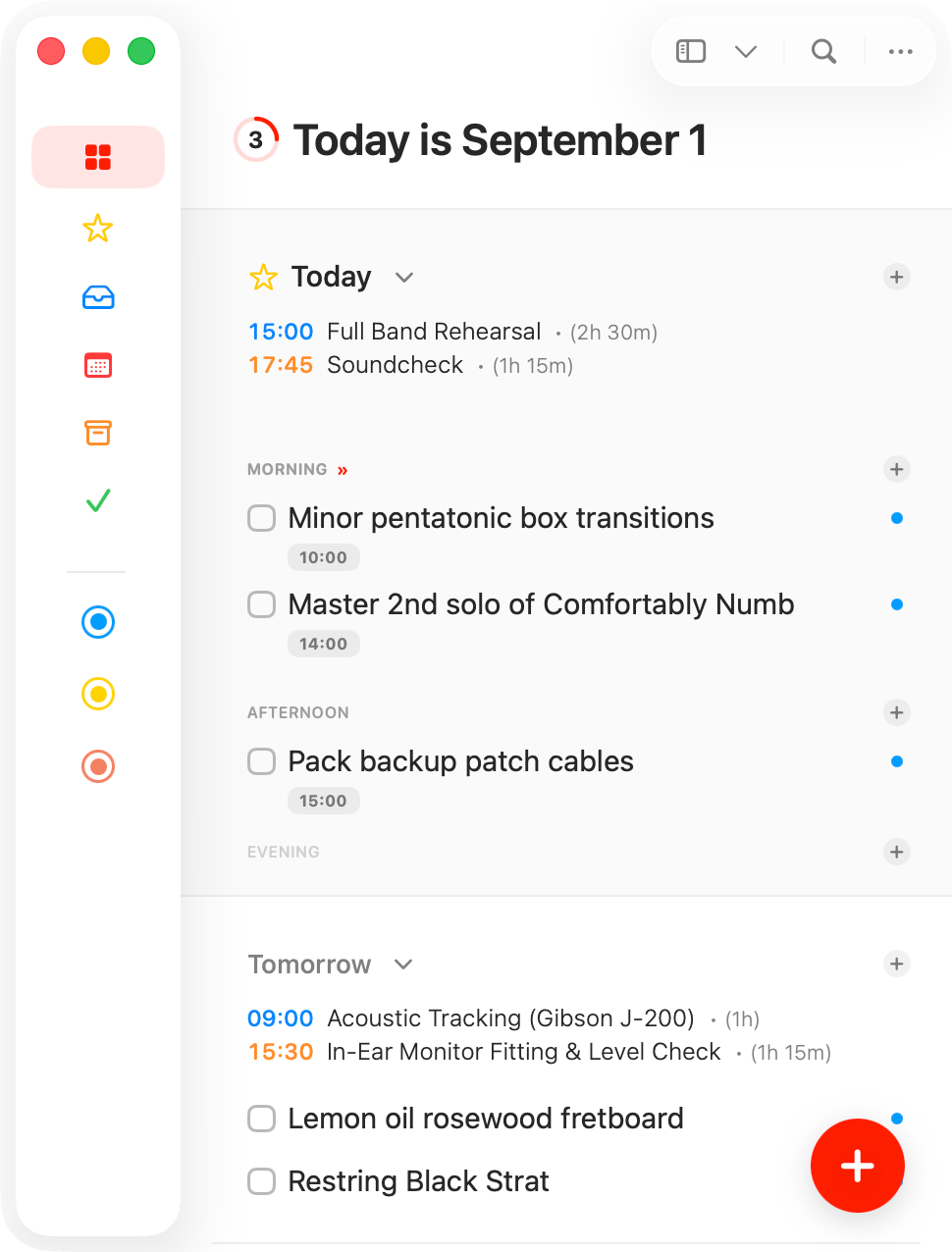
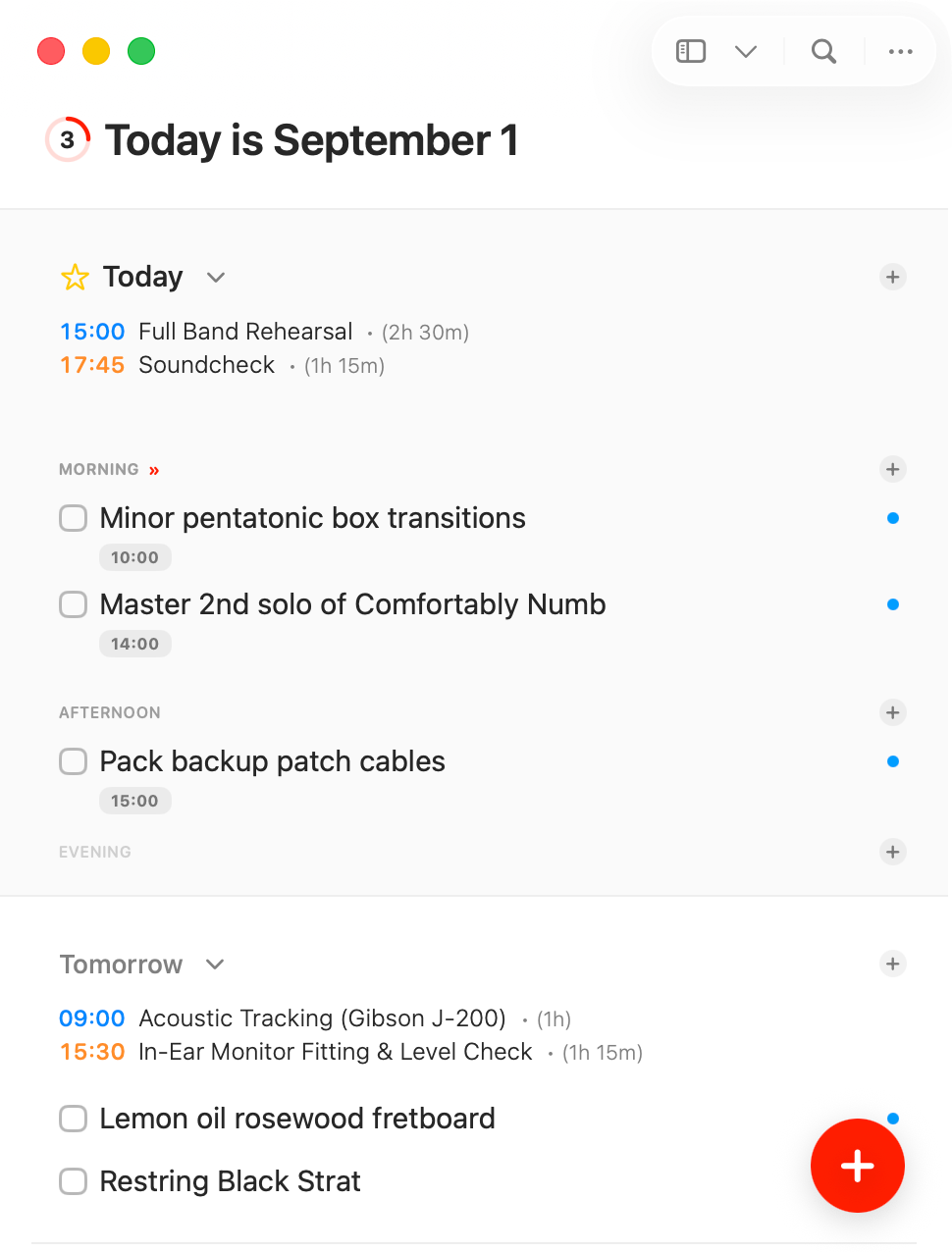
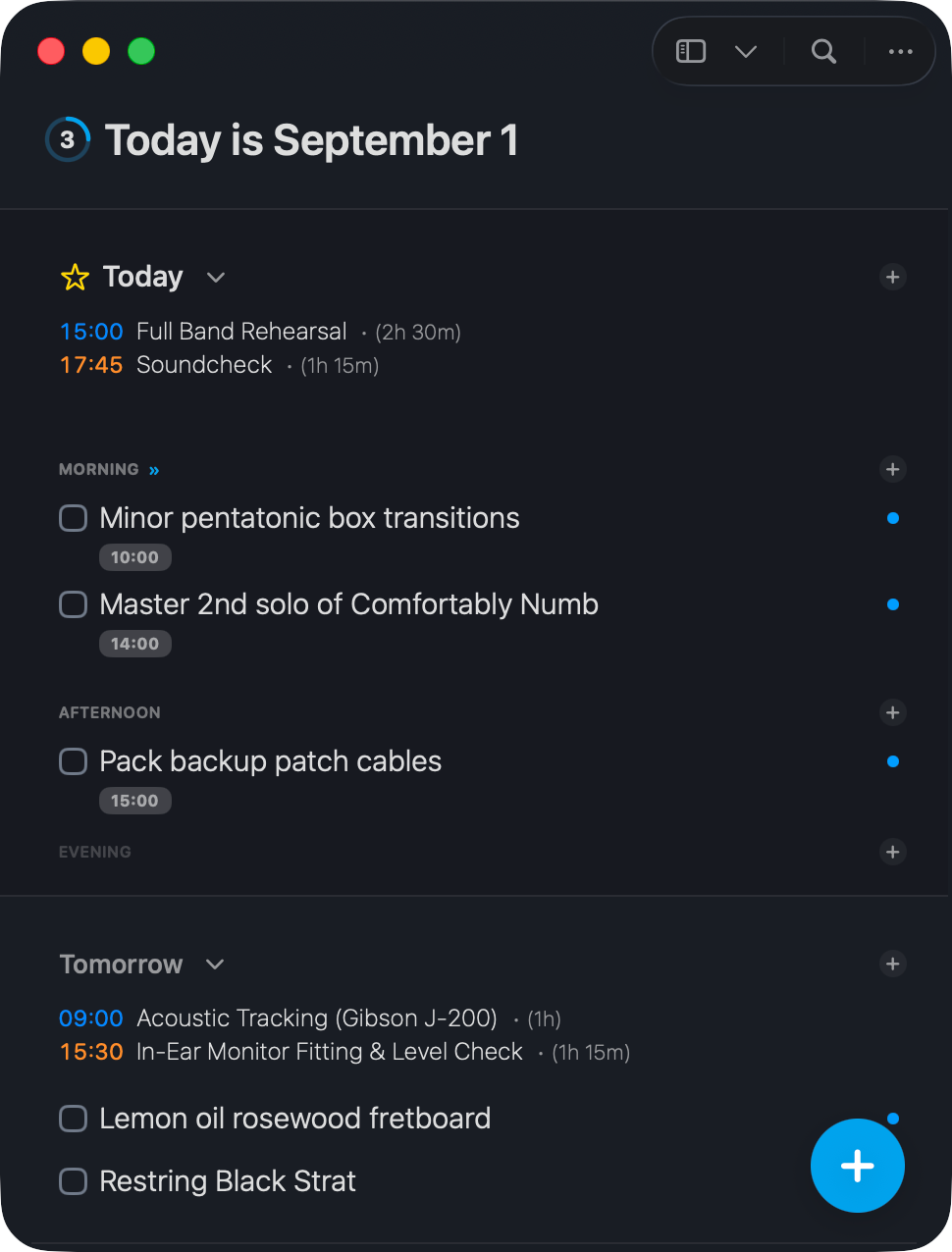
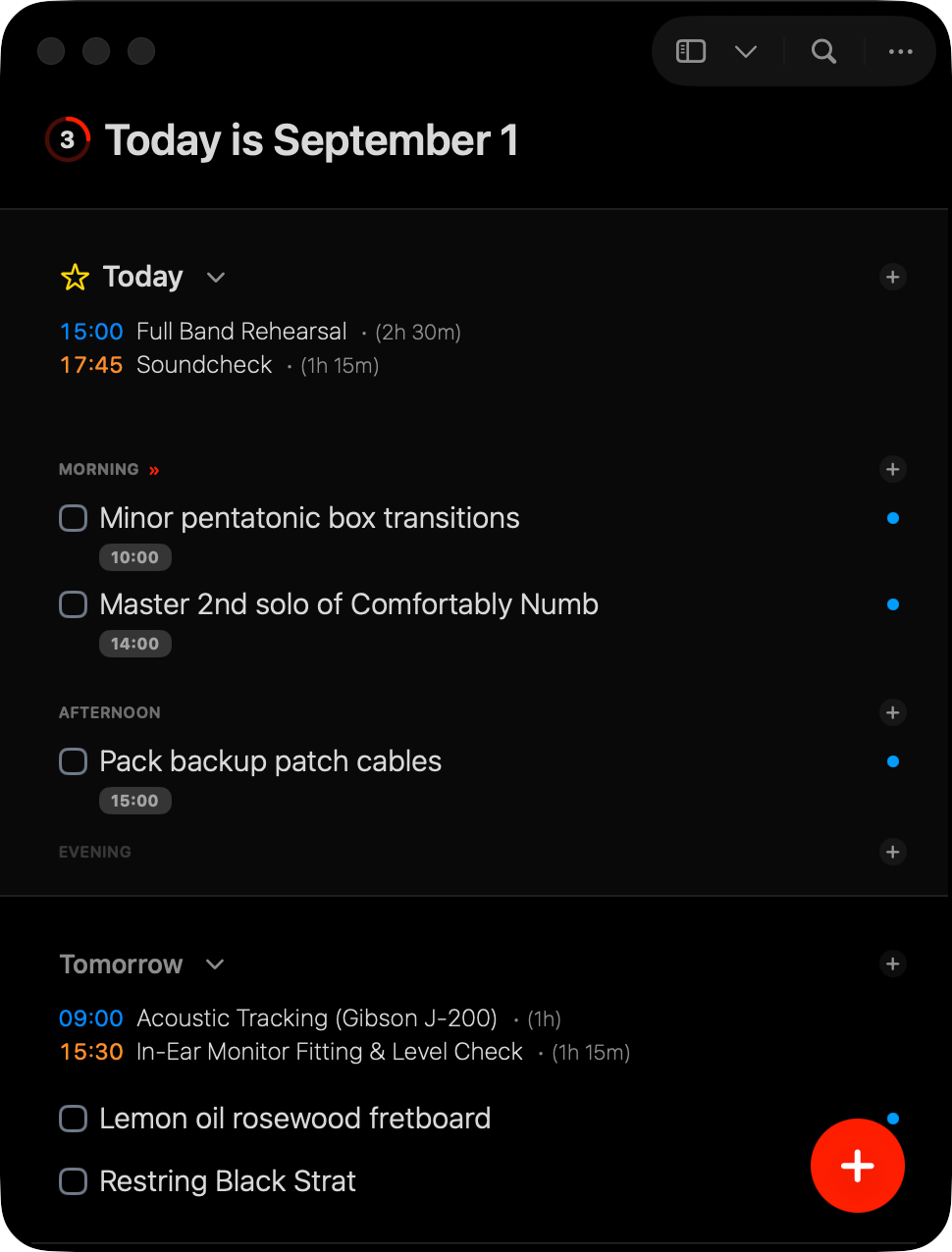
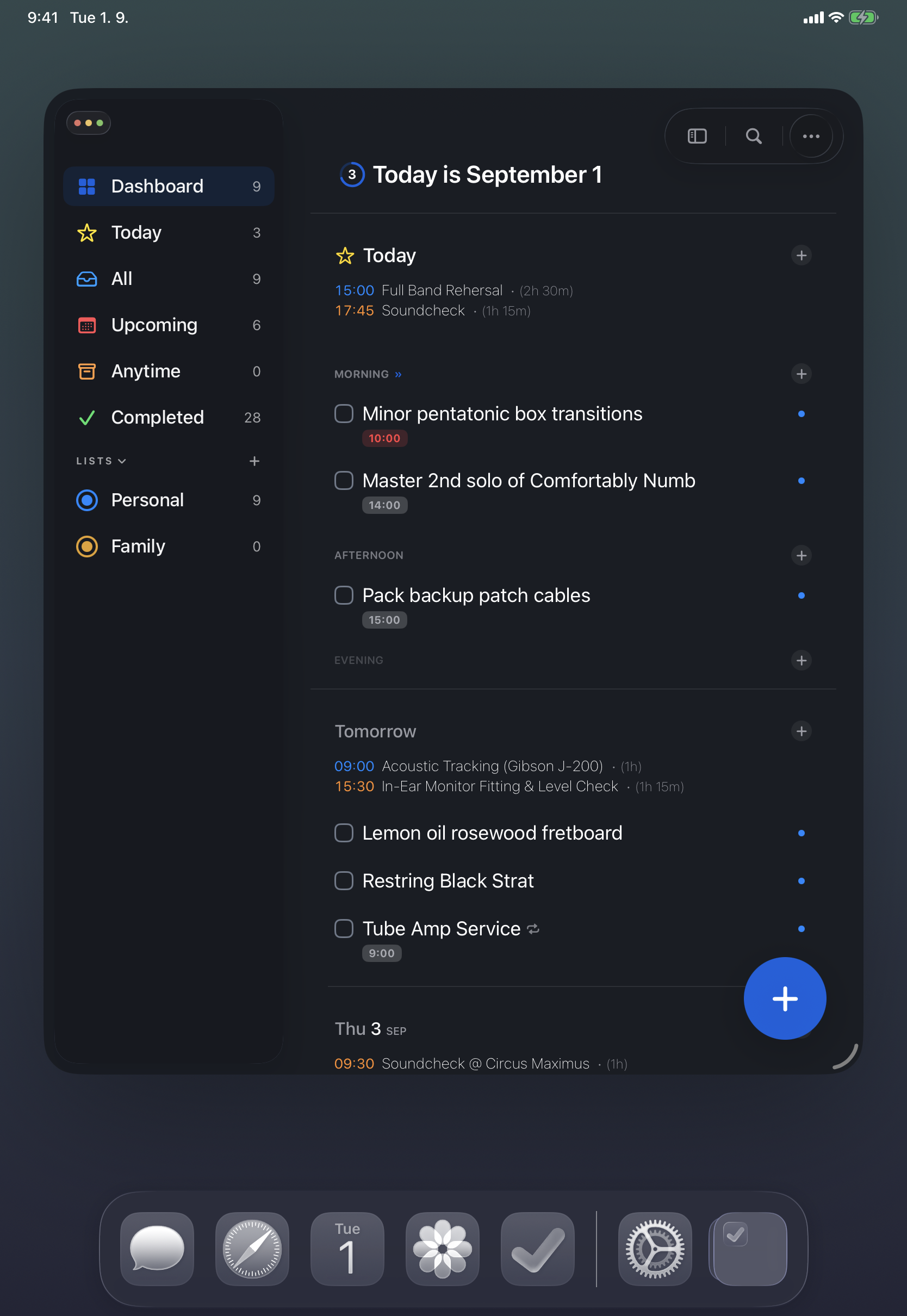
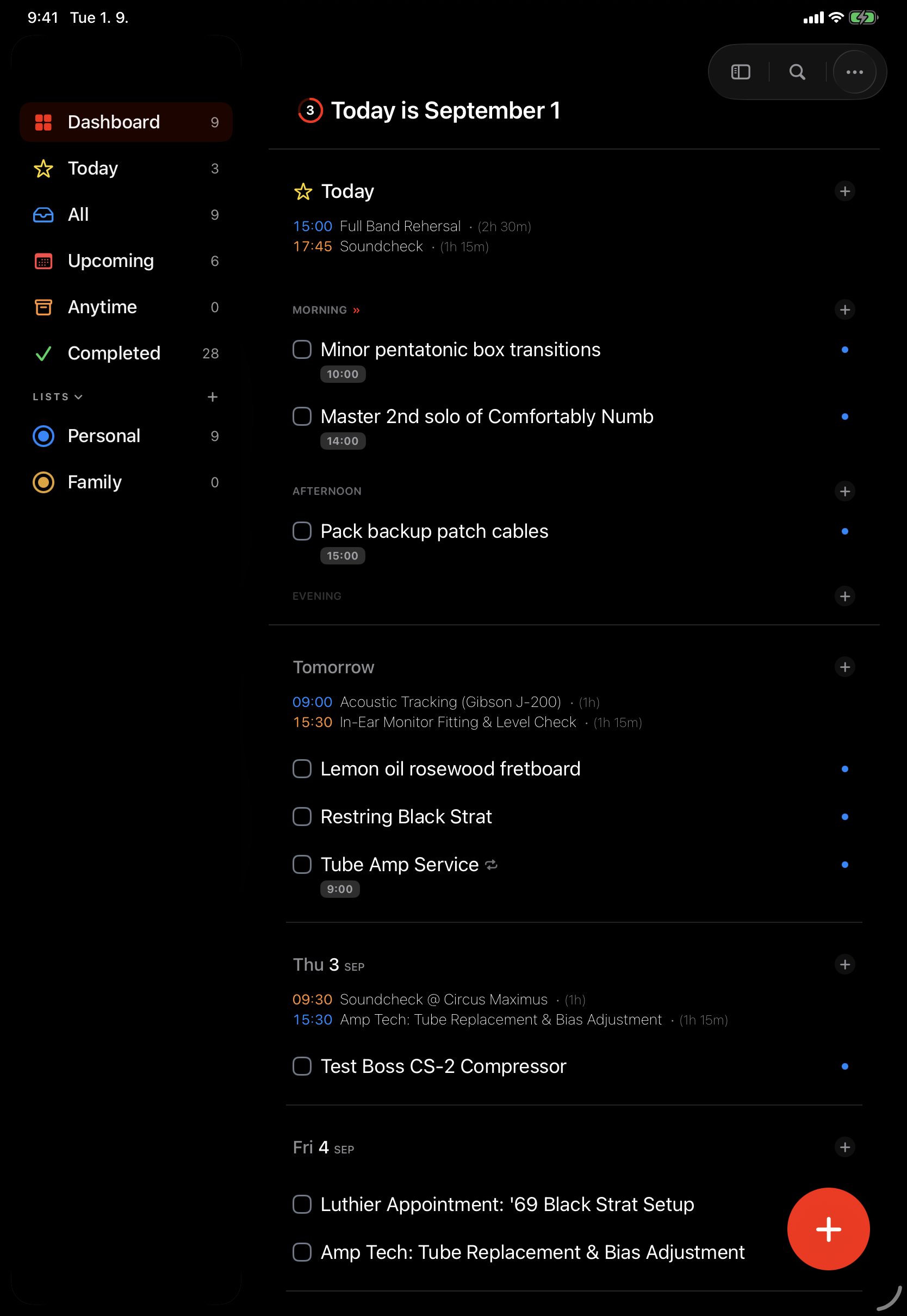
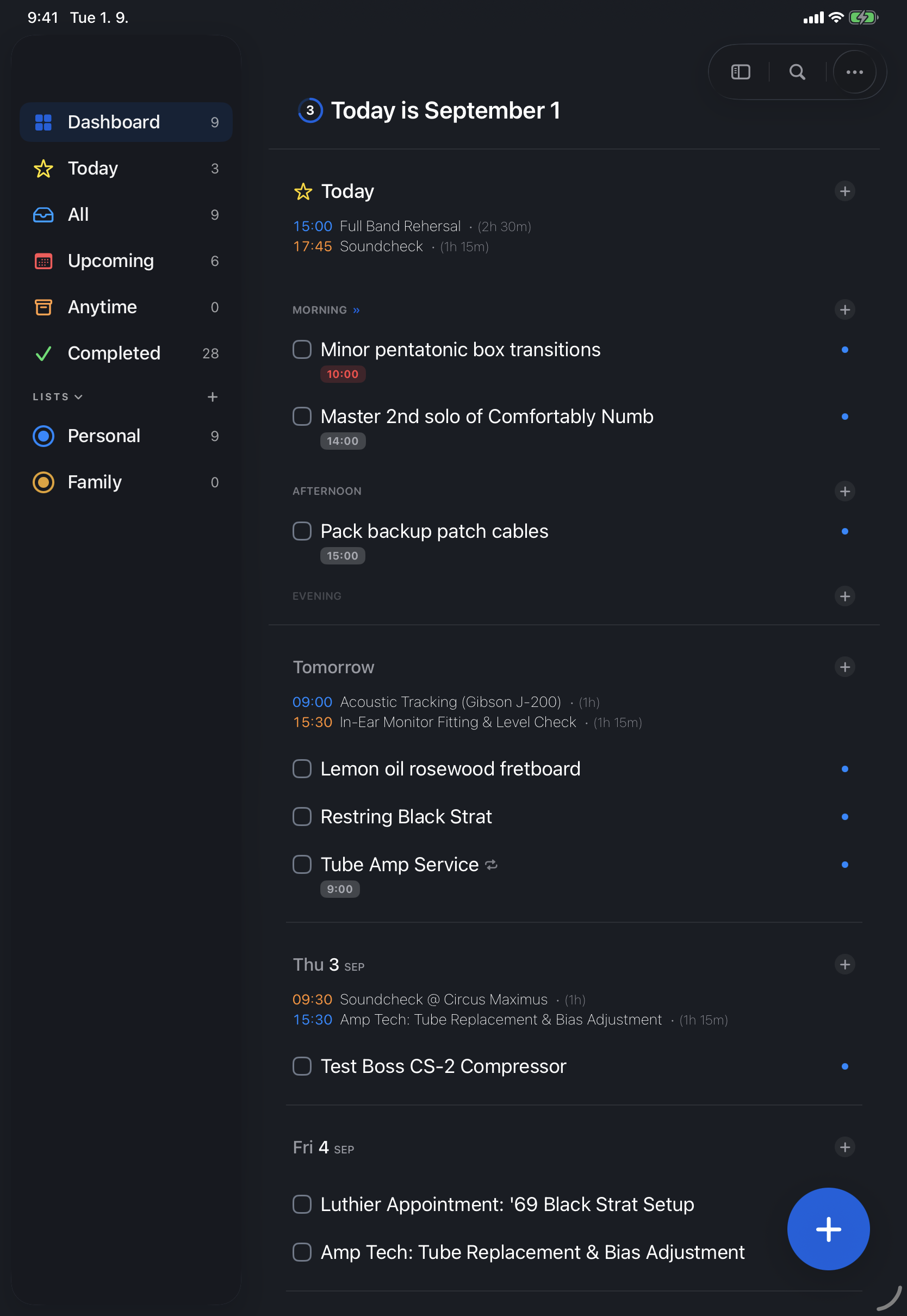
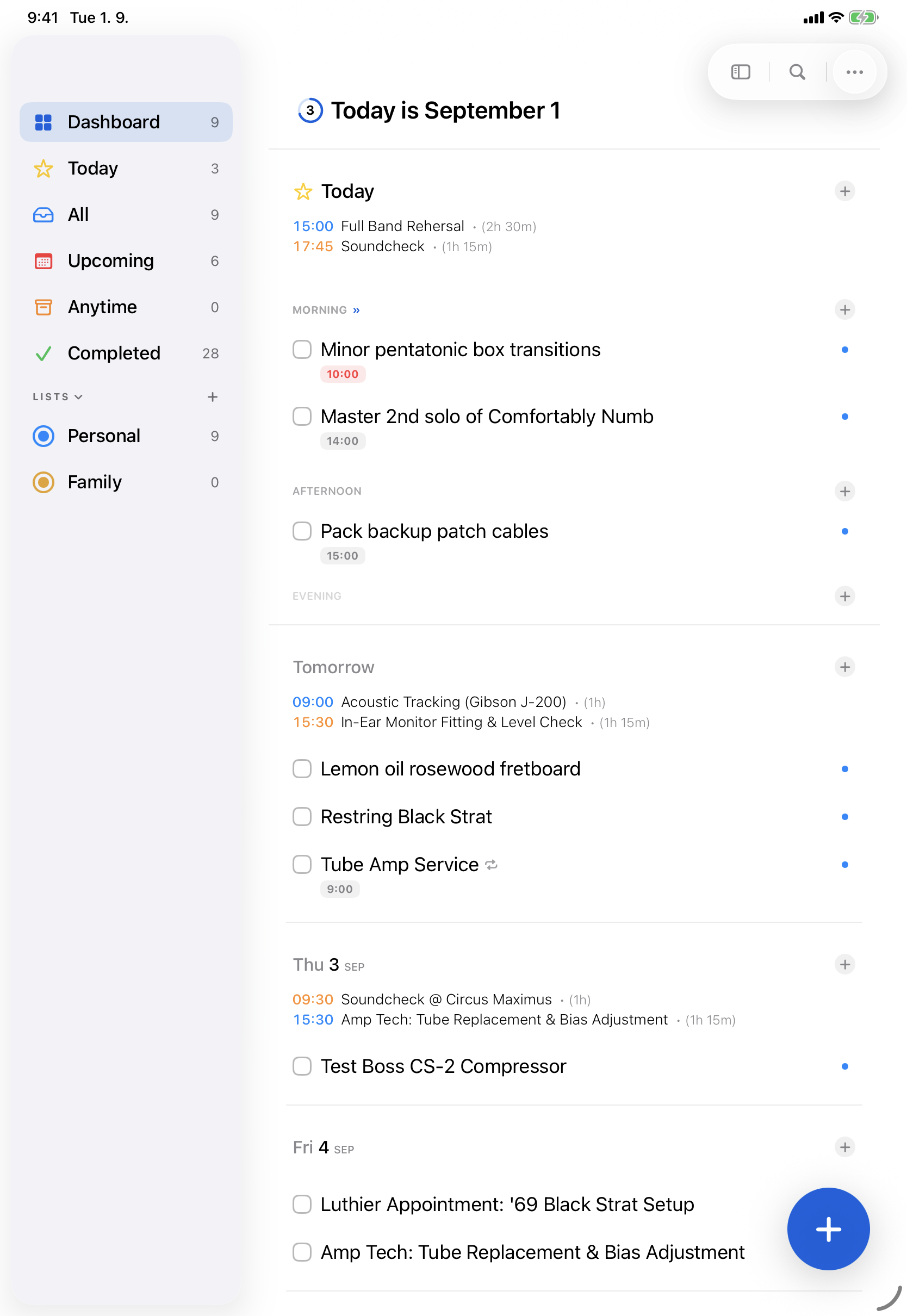
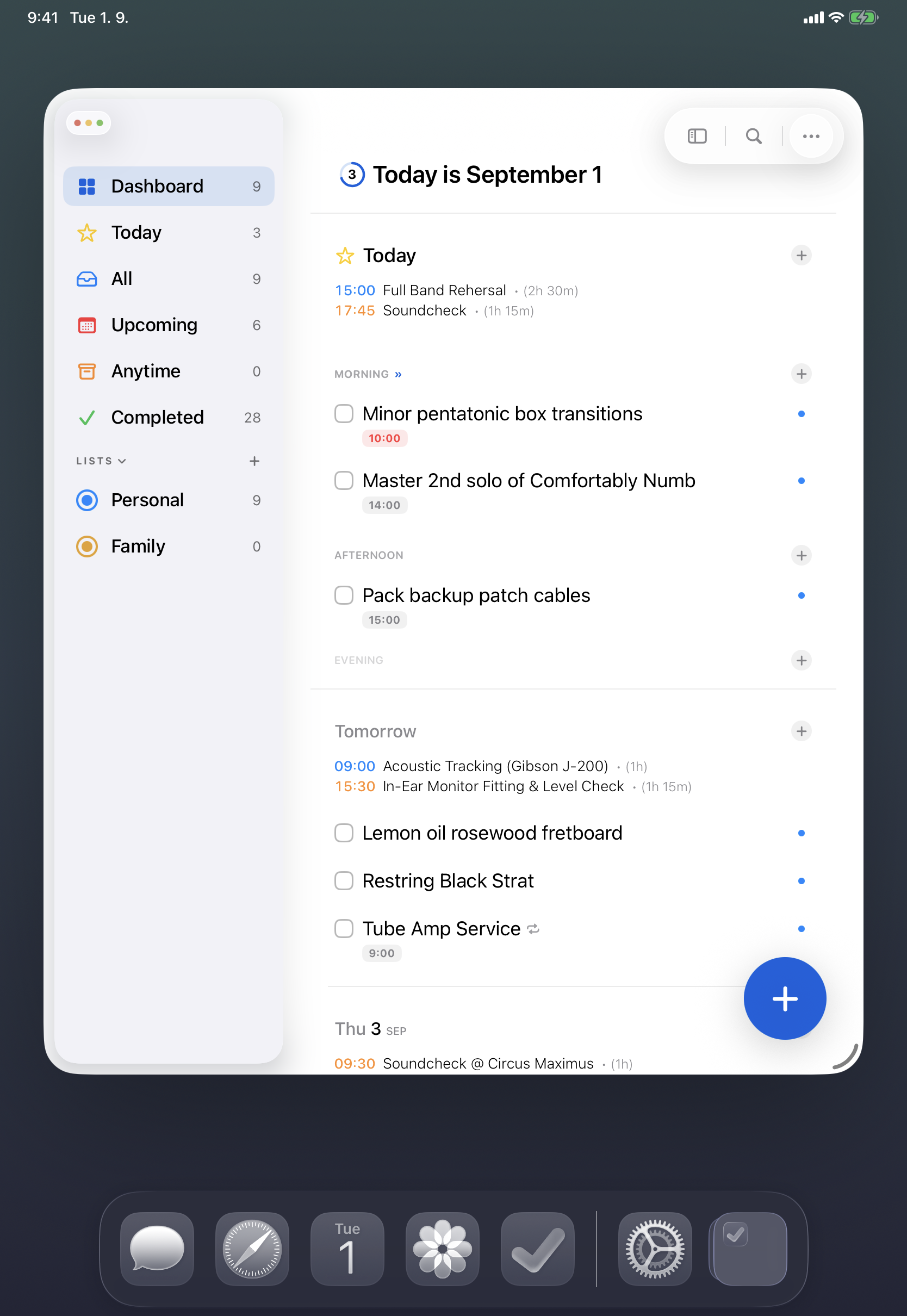
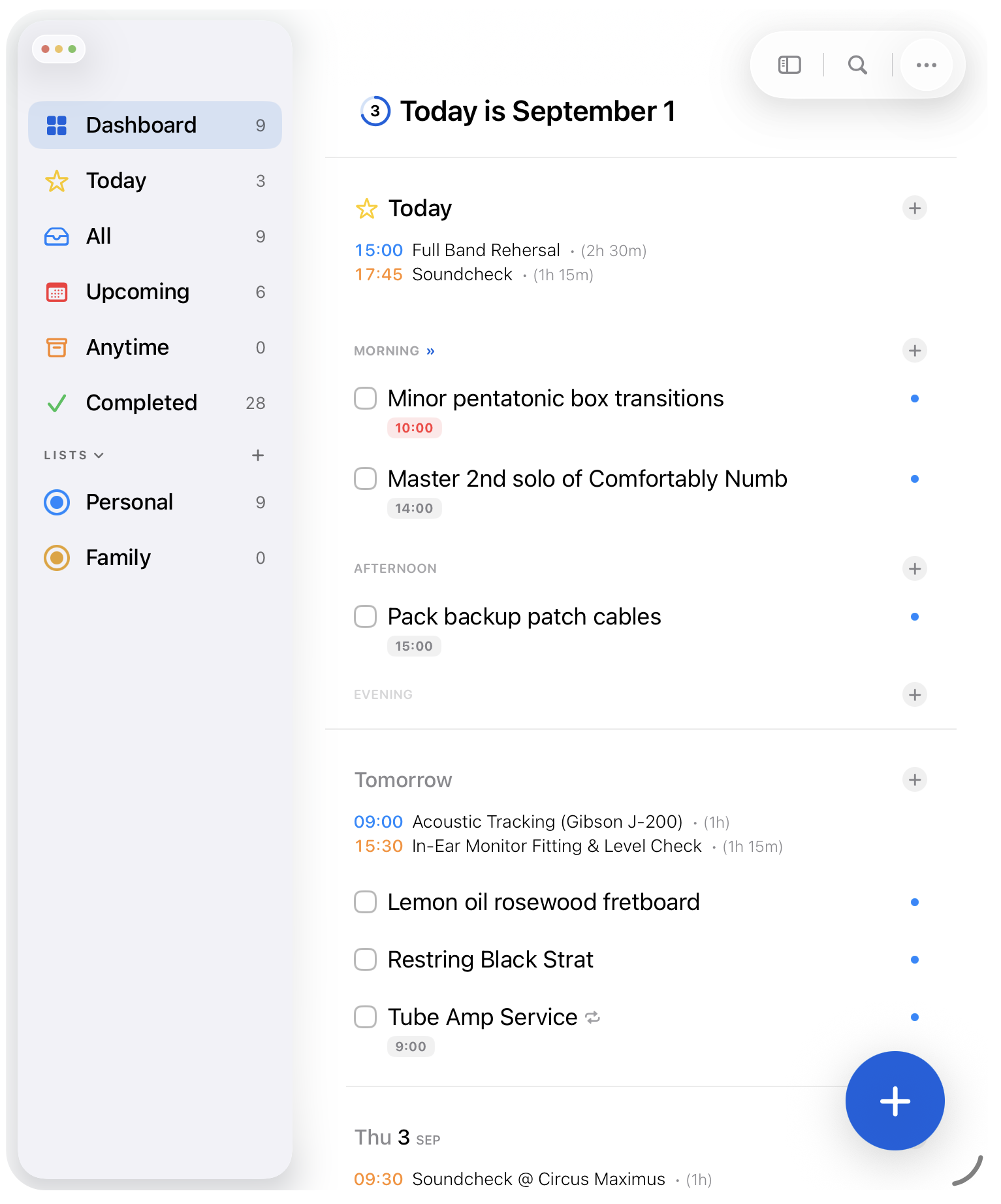
Apple Reminders is fast, dependable, and syncs everywhere – but it offers little visual structure for people who live in it. Cinch reimagines the same reminders as a date-first timeline, grouping tasks into Morning, Afternoon, and Evening so a day's workload is obvious at a glance. Apple Calendar events sit inline with tasks, so you can see when you are already booked before adding more.
On the Mac, Cinch is built to be driven from the keyboard: Vim-style j/k navigation, single-key priorities, one-touch deferrals, and bulk selection keep your hands off the mouse. For power users and local AI agents, a bundled command-line interface exposes the whole app through JSON and machine-readable schemas. Everything runs directly on Apple EventKit and your personal iCloud – no account, no third-party servers, no analytics.
App icons
Four 1024 × 1024 PNG lockups for light, dark, square, and glow placements. Please keep the icons unmodified.



Screenshots & mockups
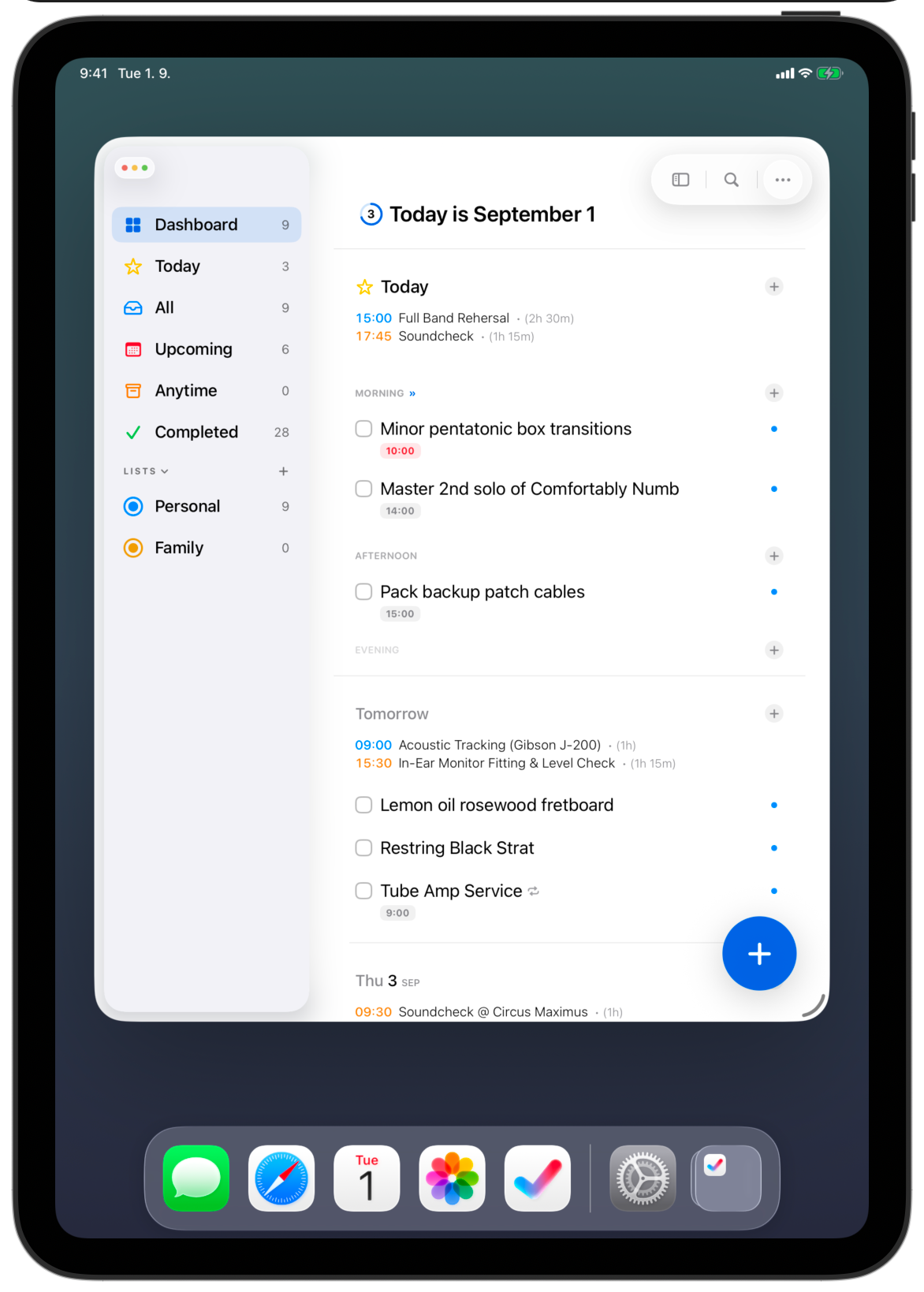
Click any image to open the full-resolution file, or download the complete kit above.
Mac mockups
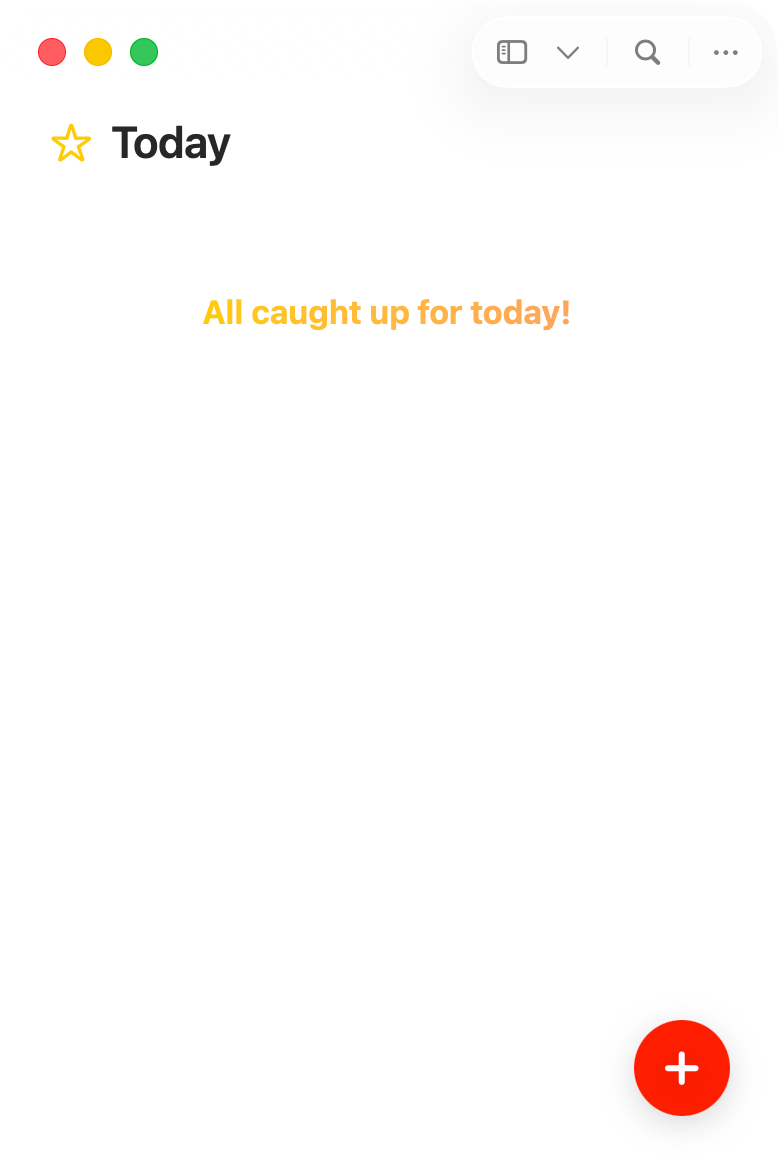
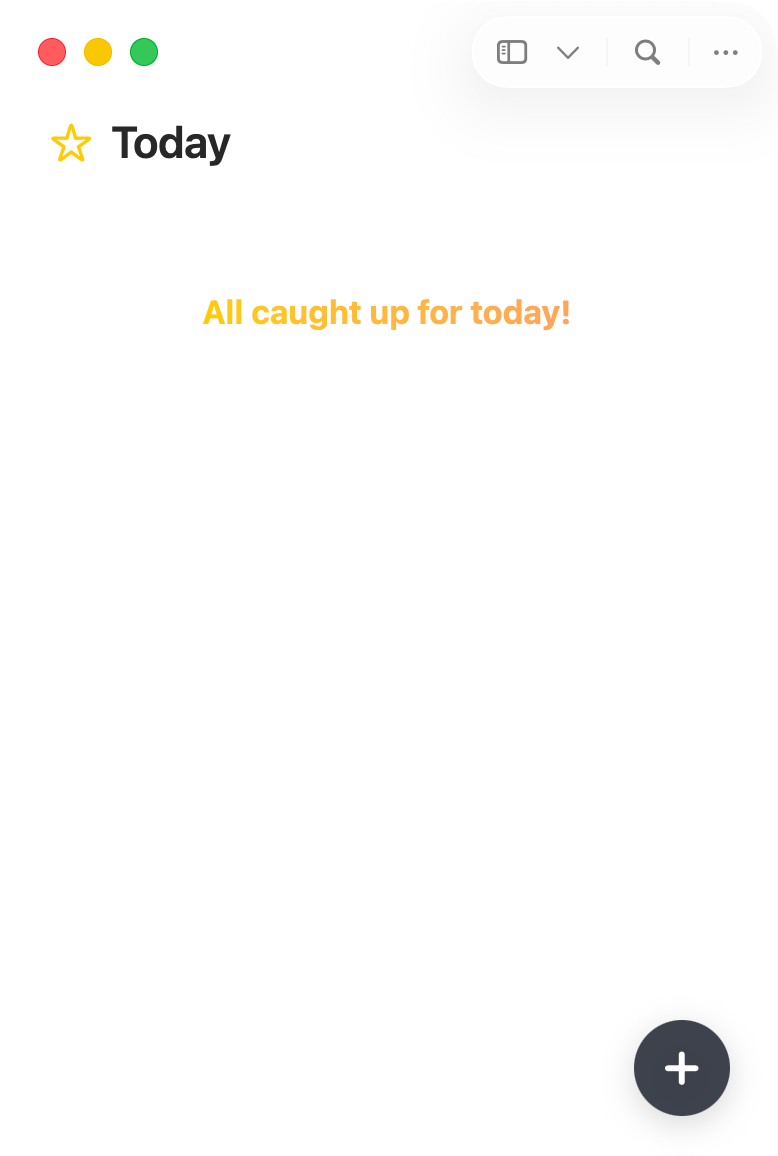
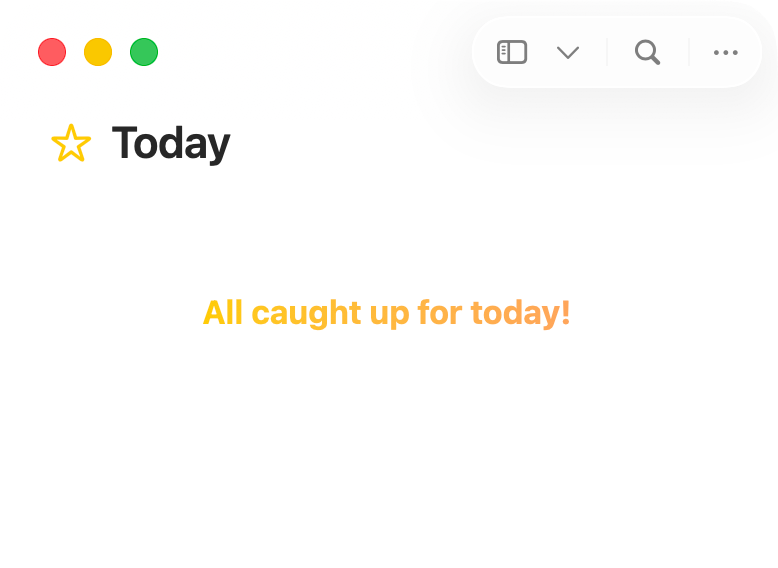
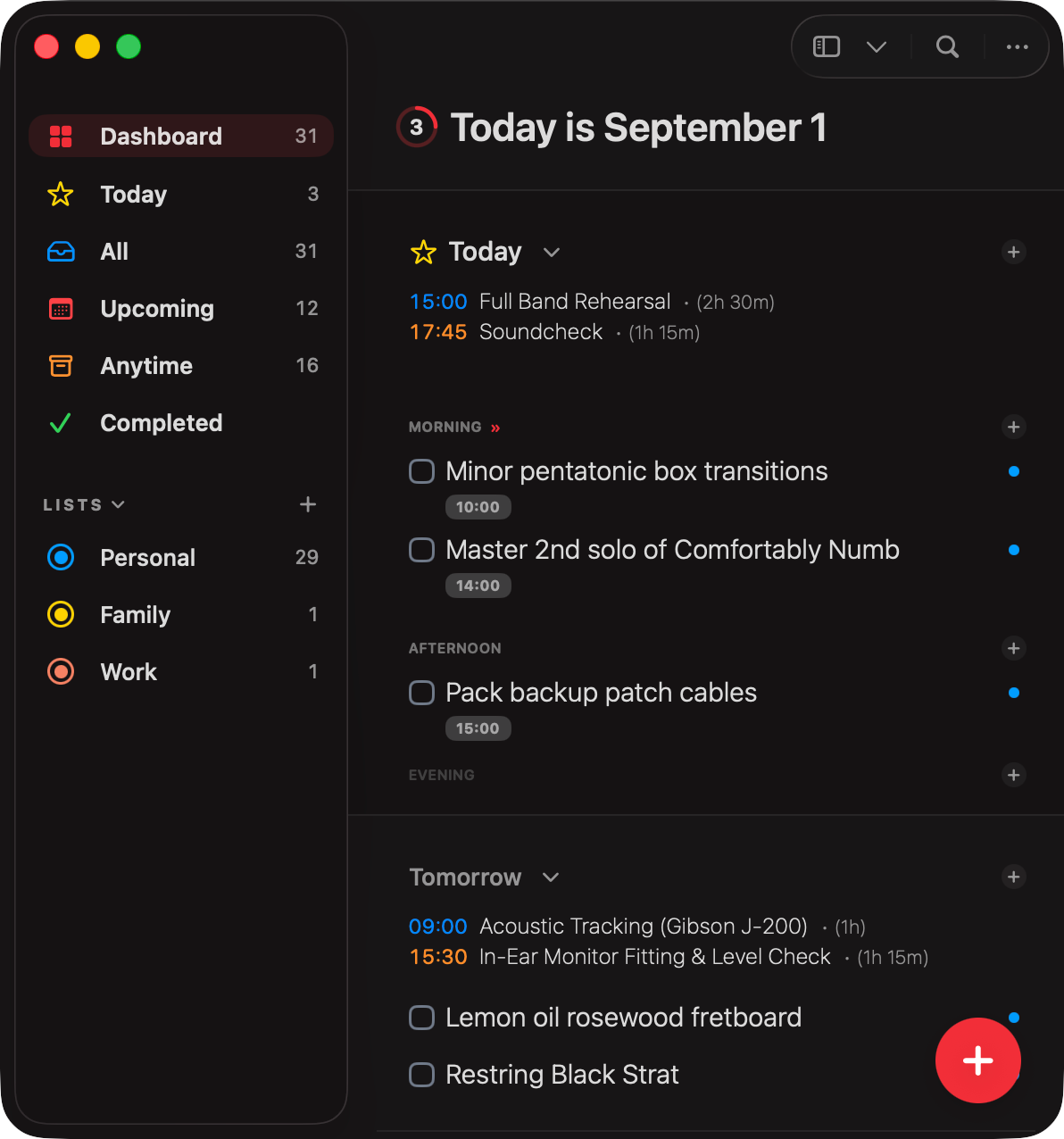
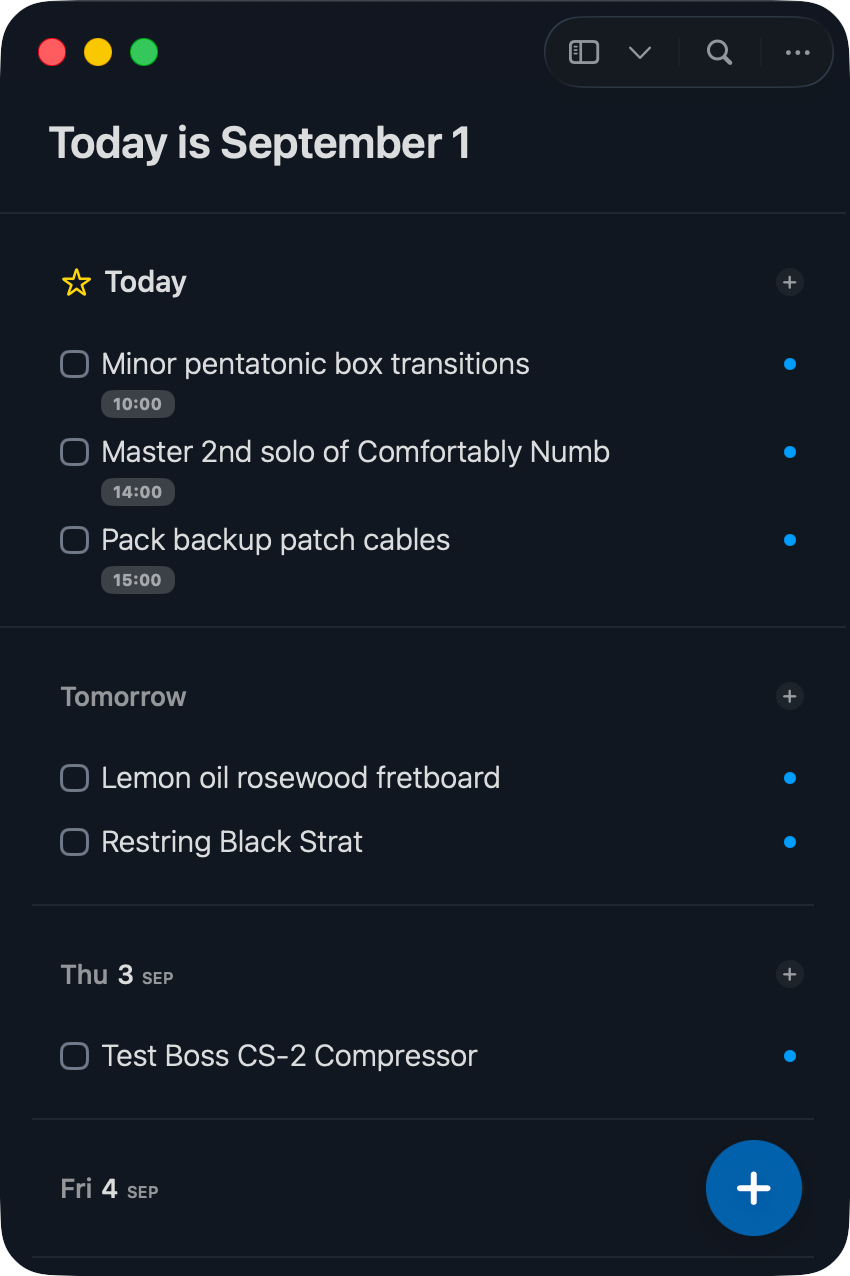
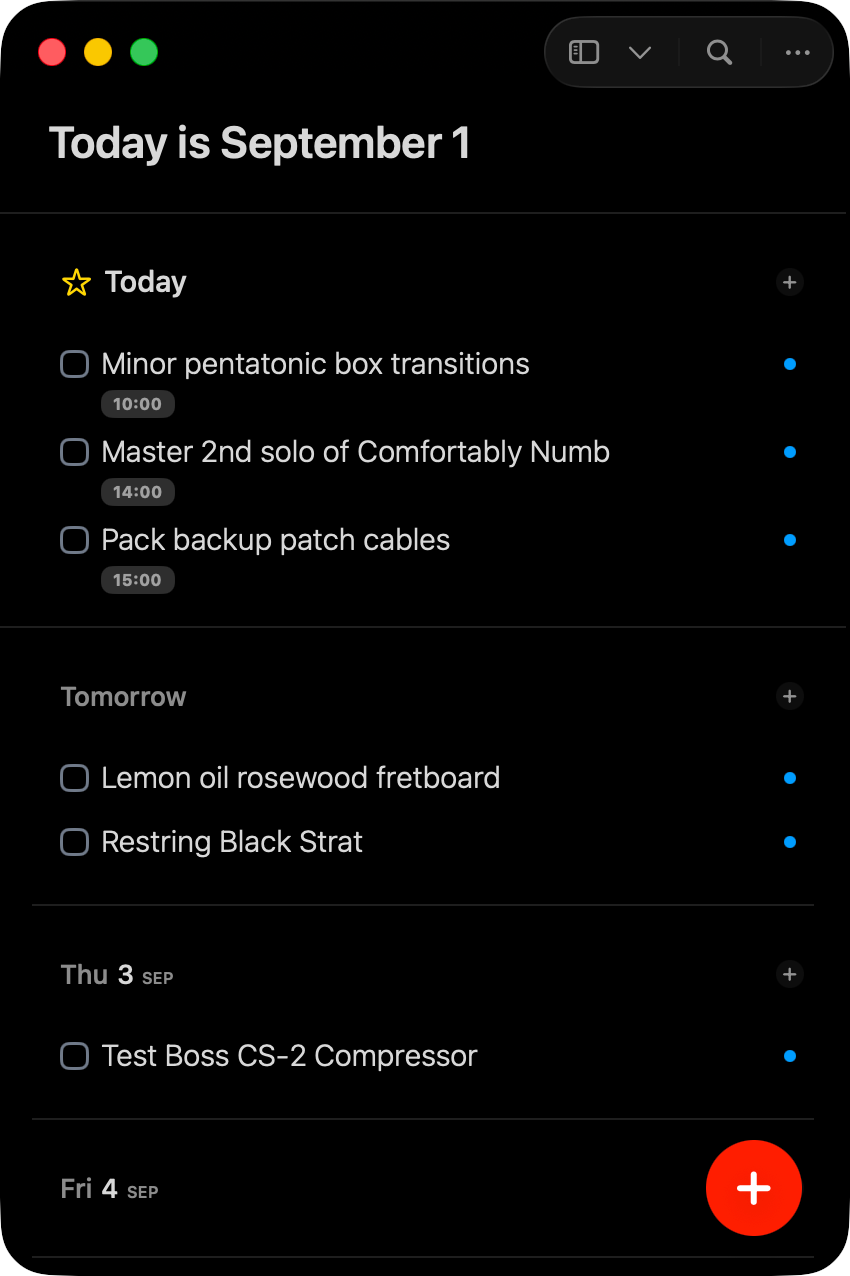
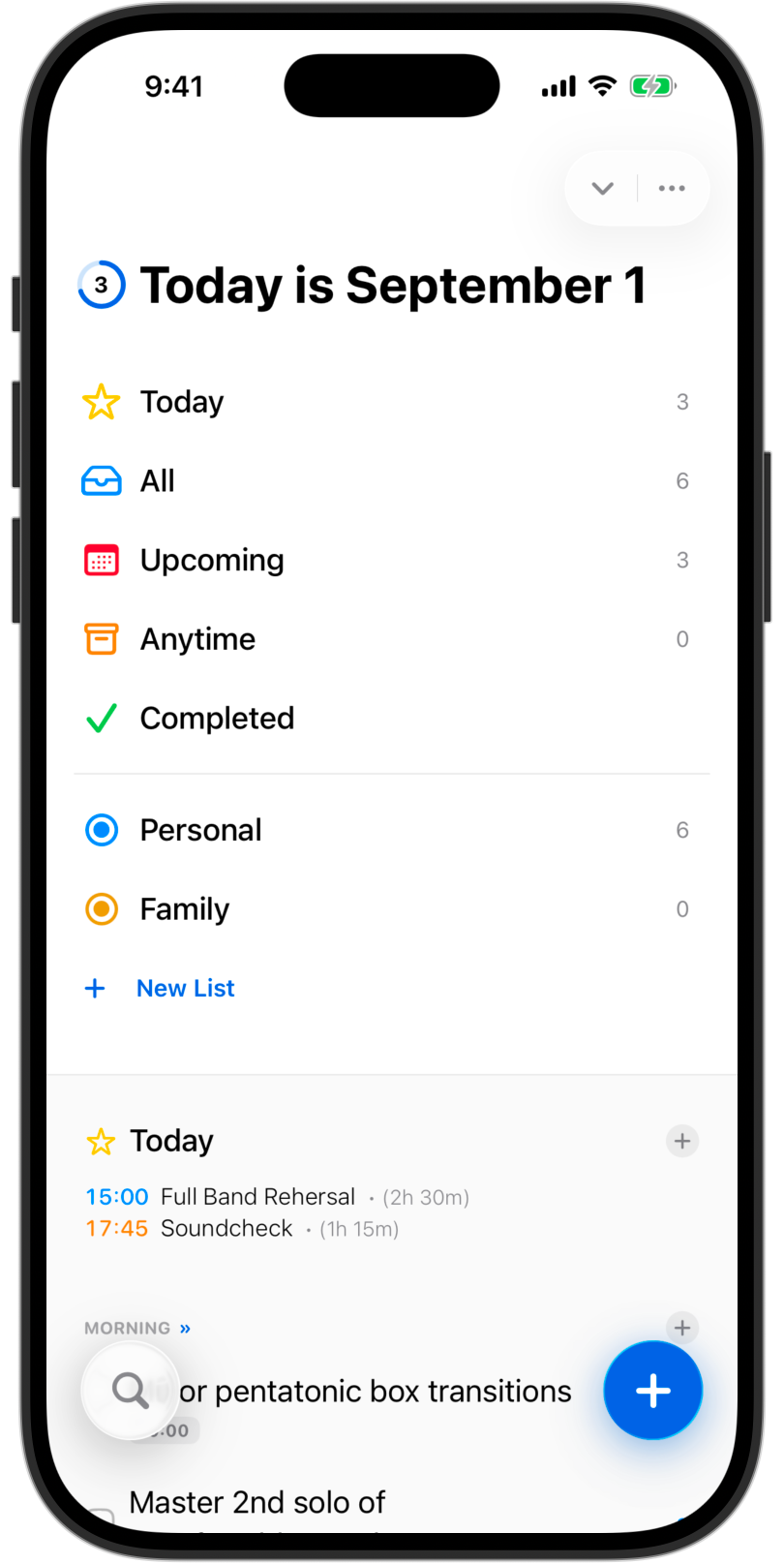
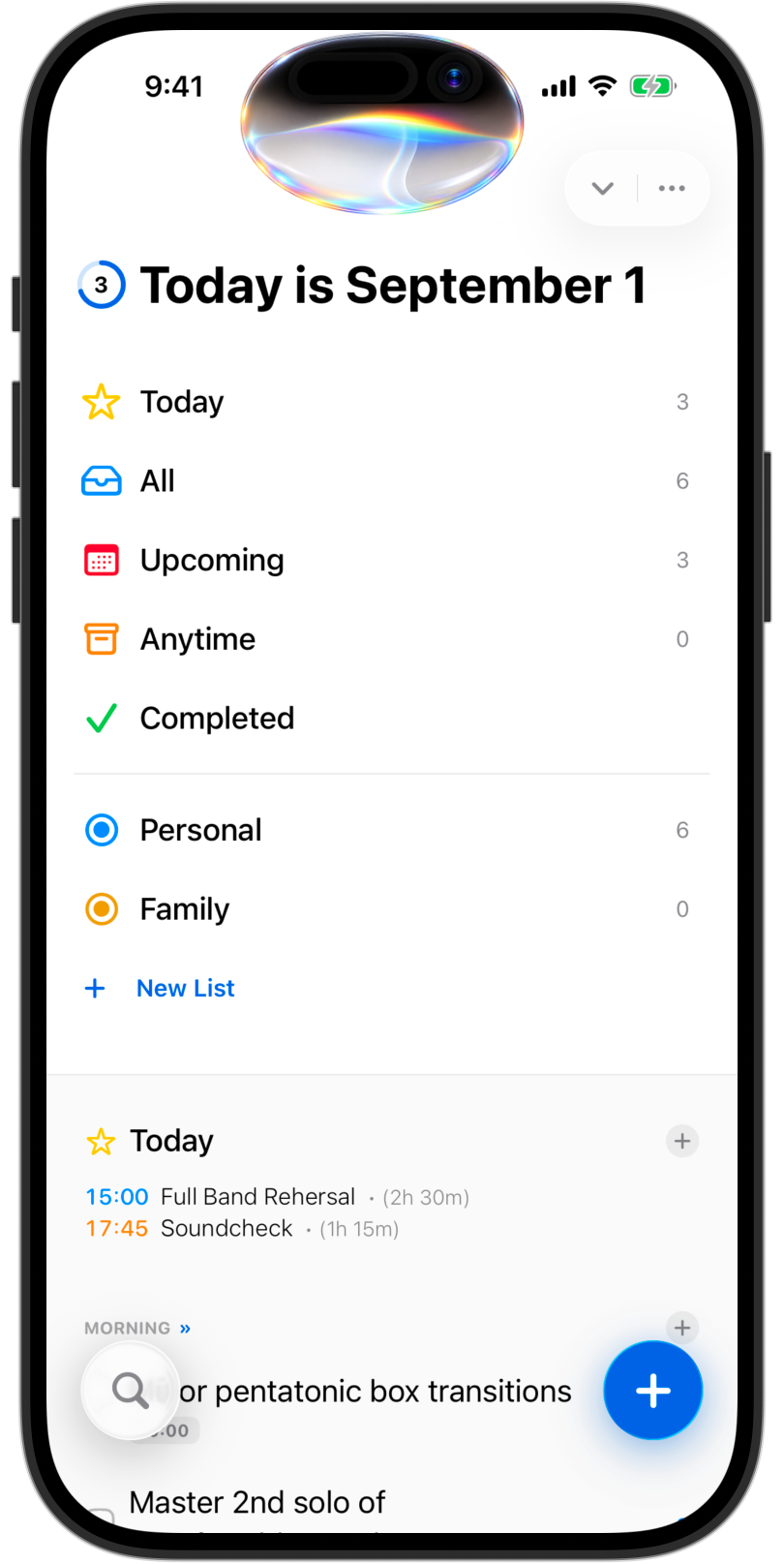
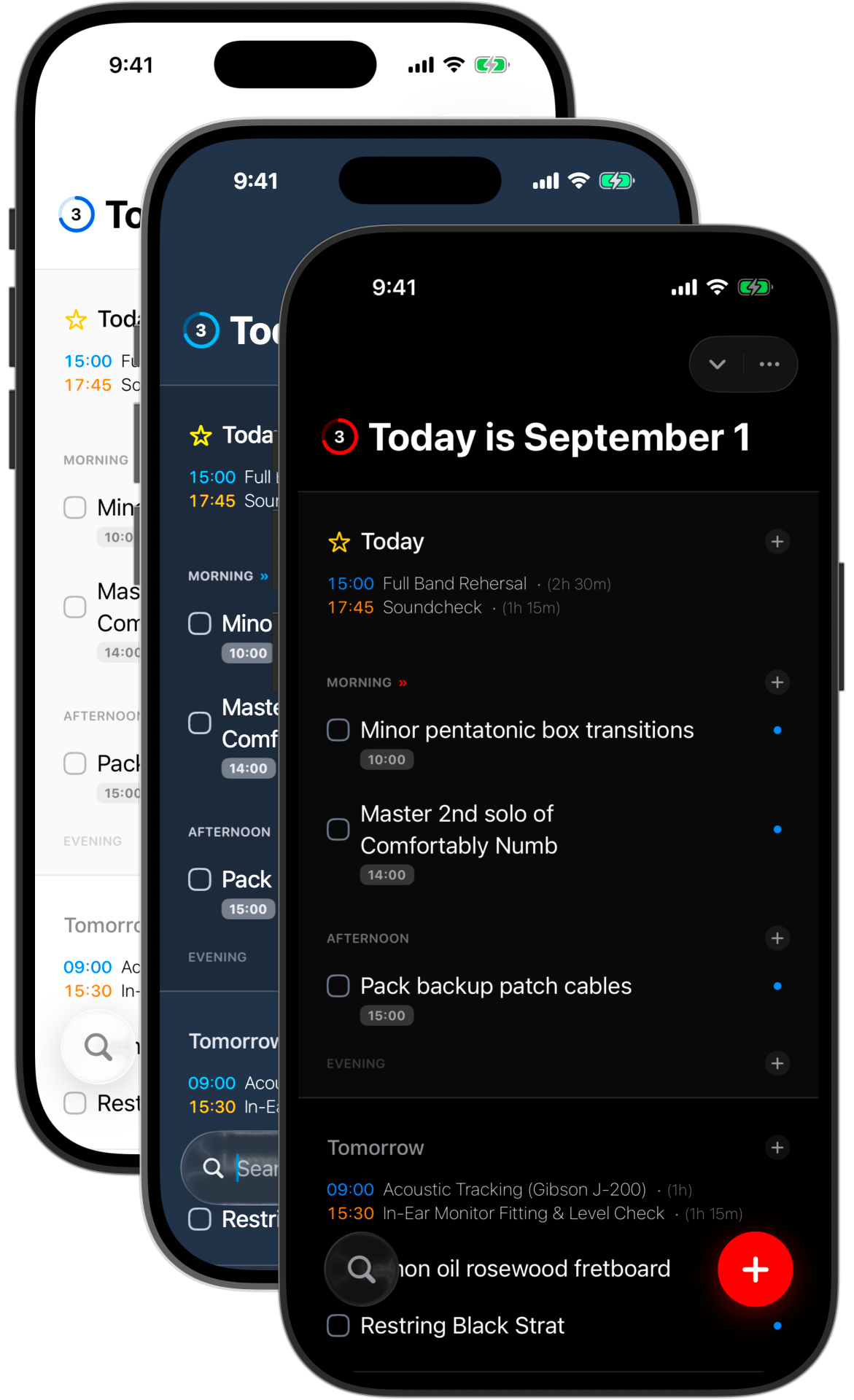
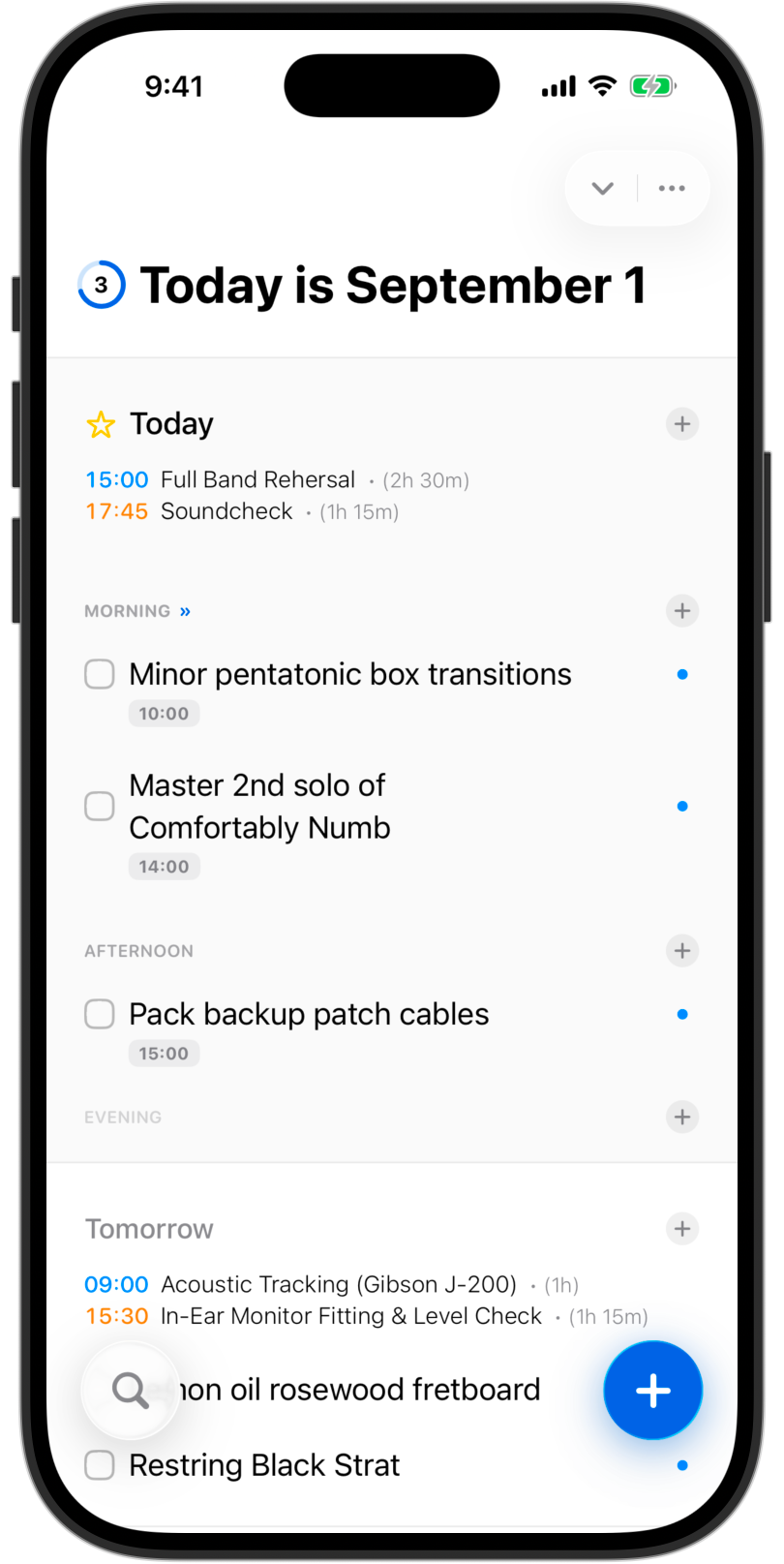
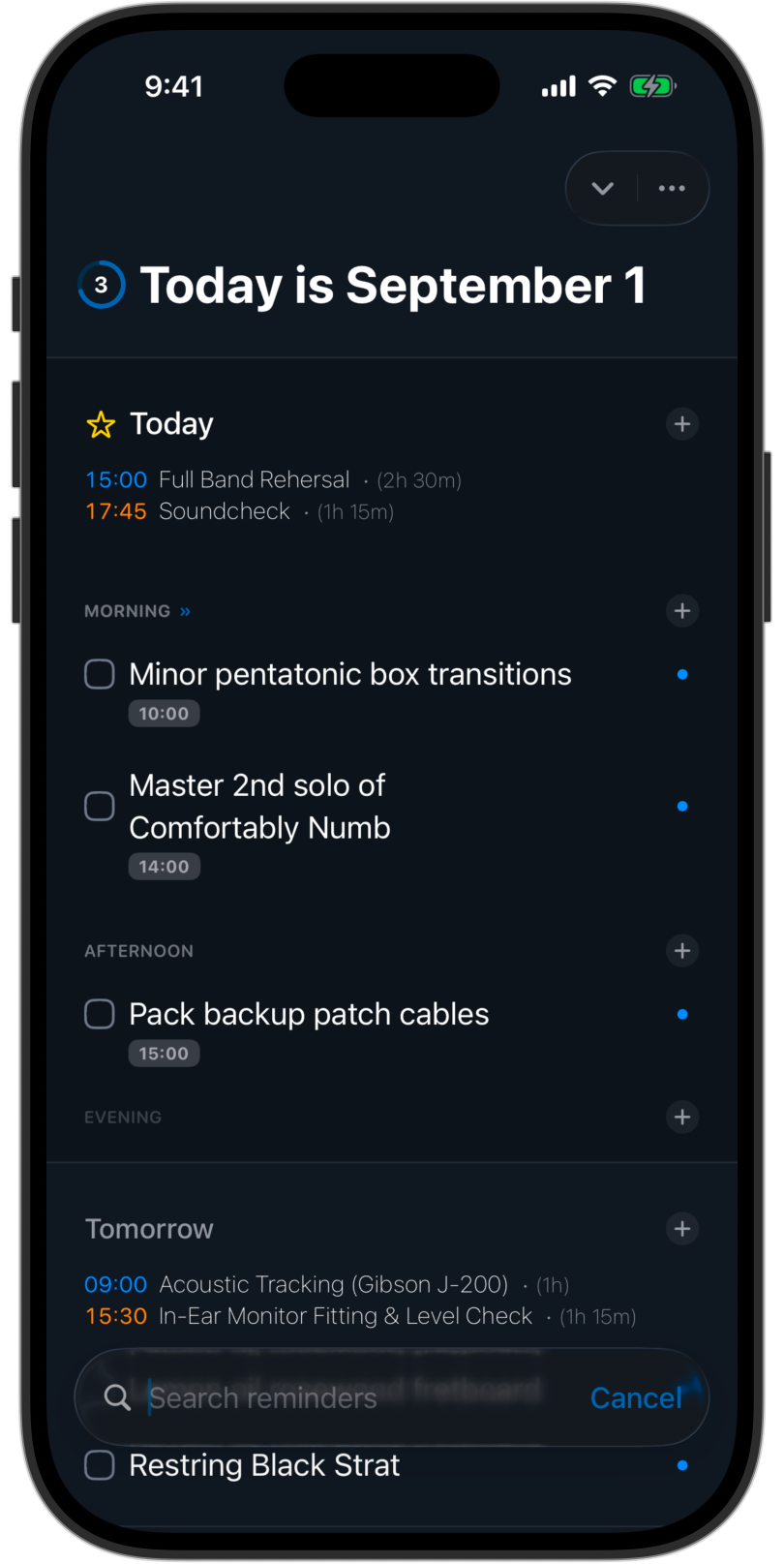
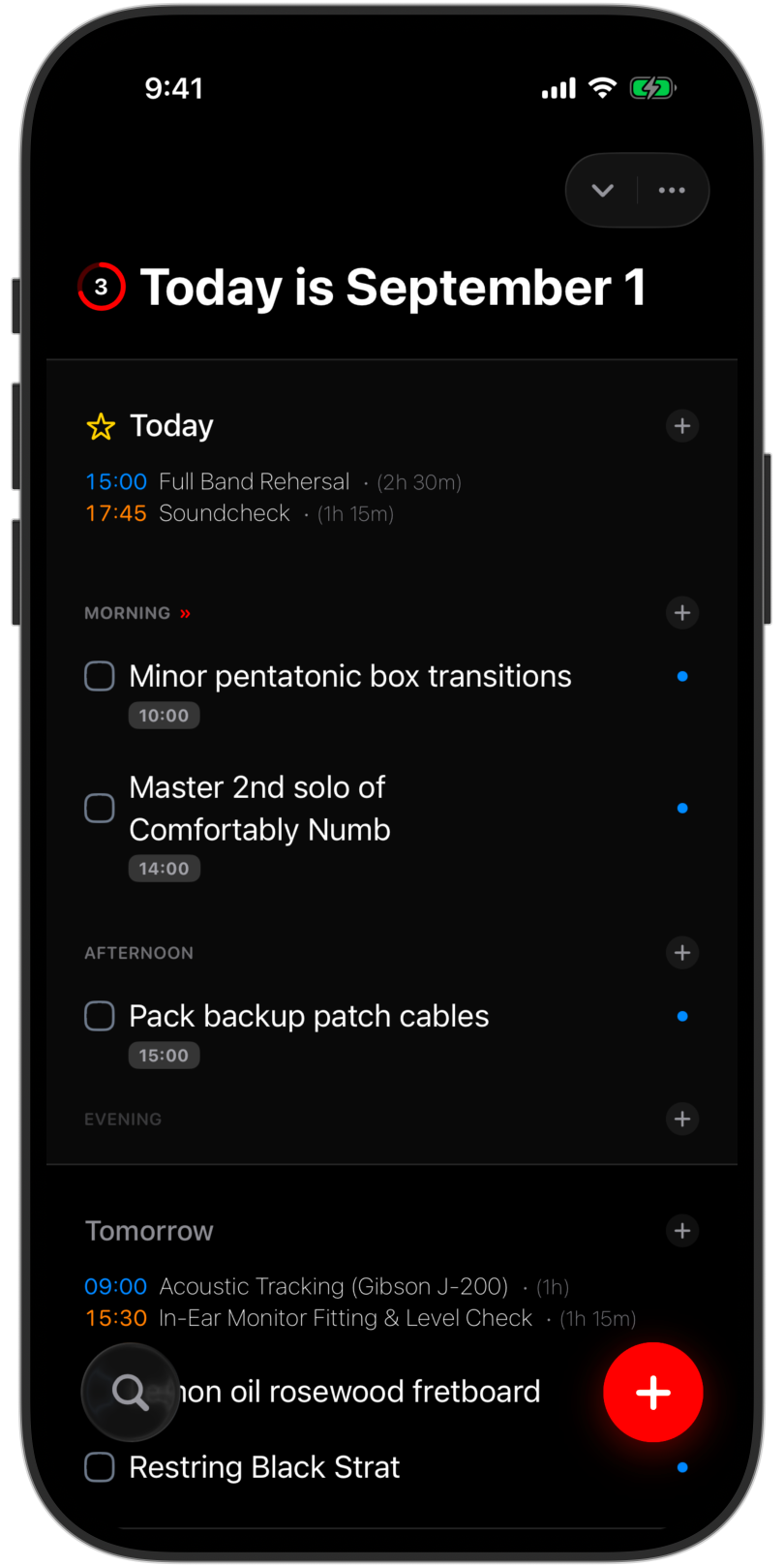
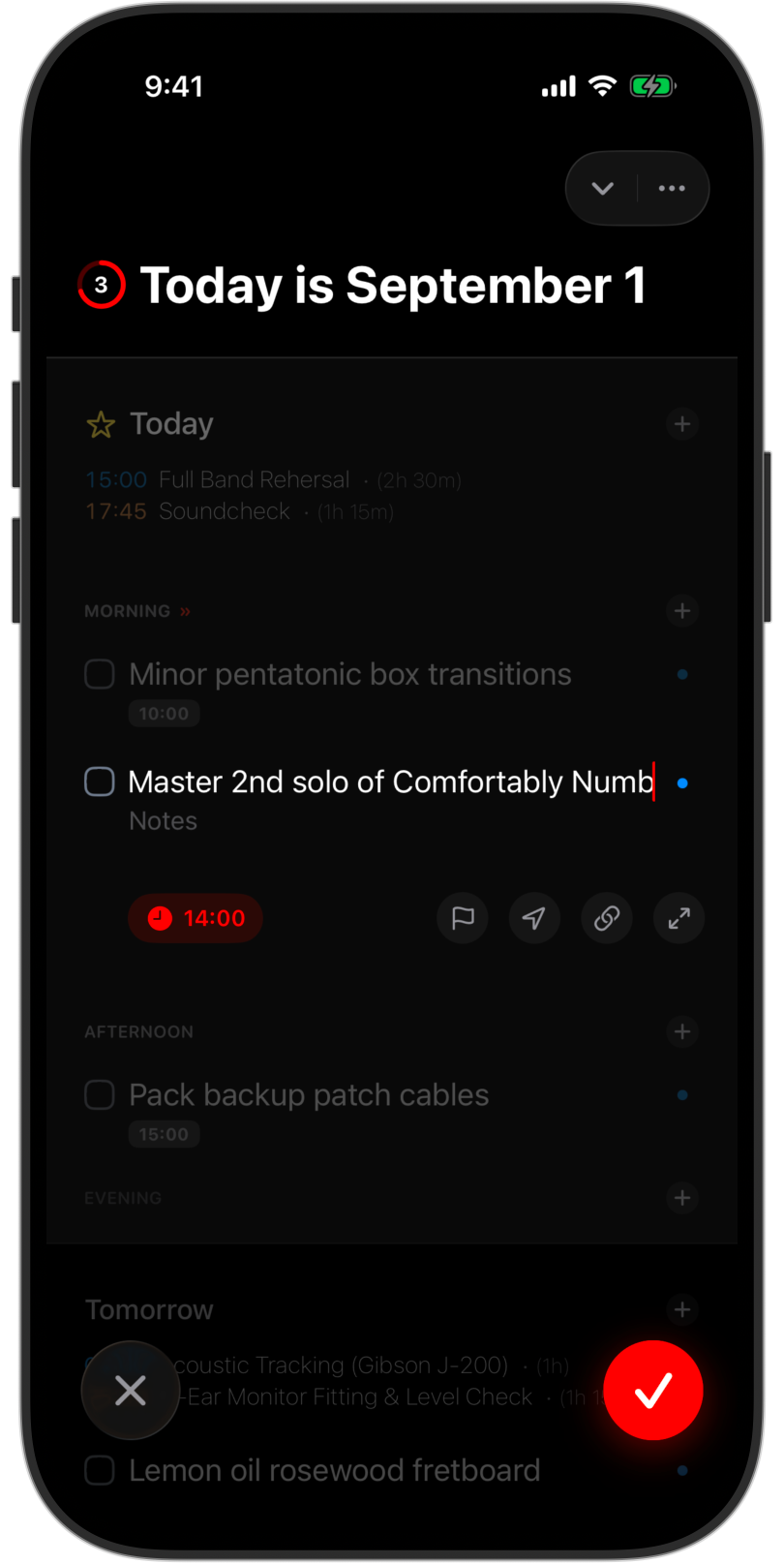
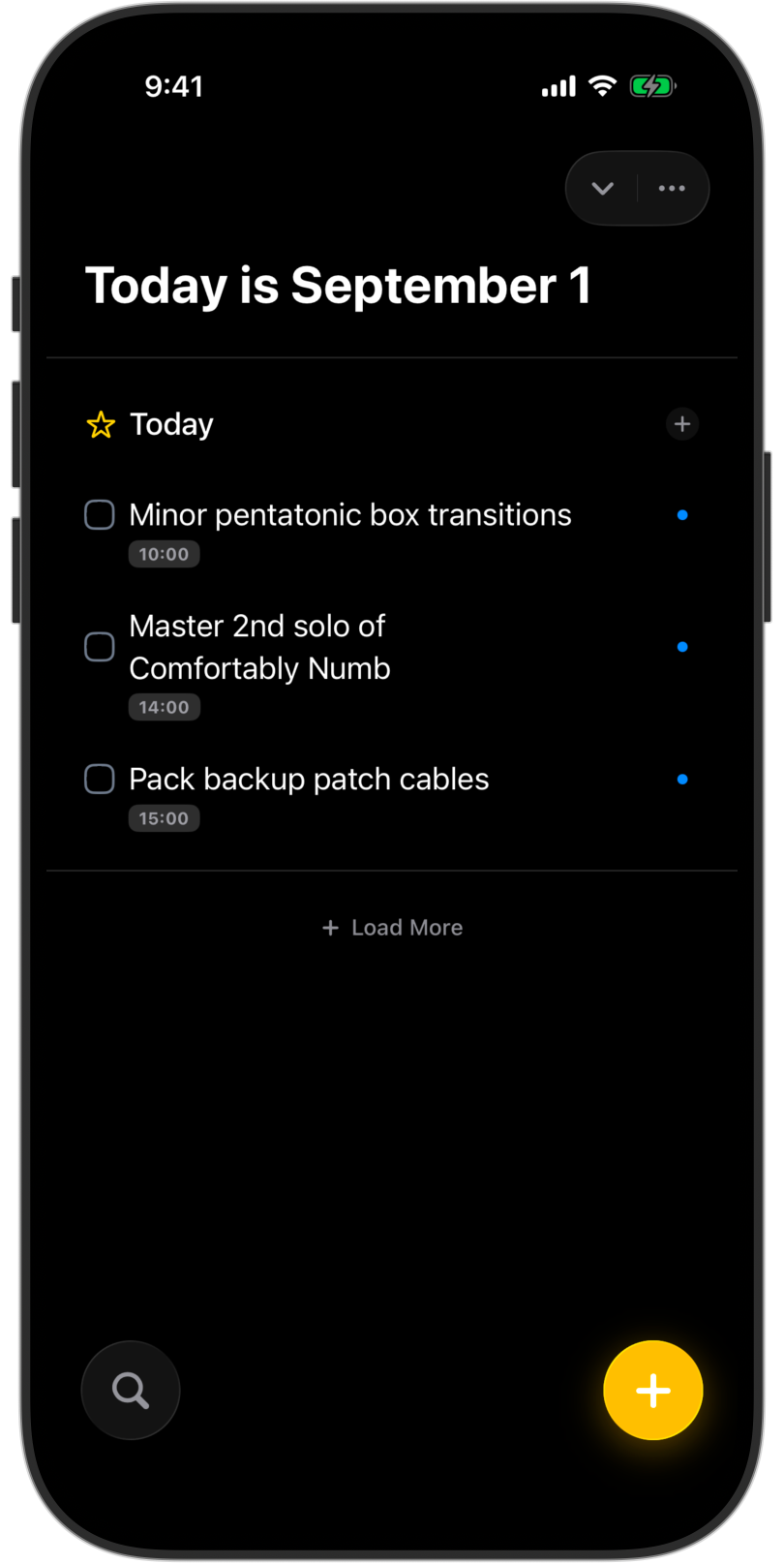
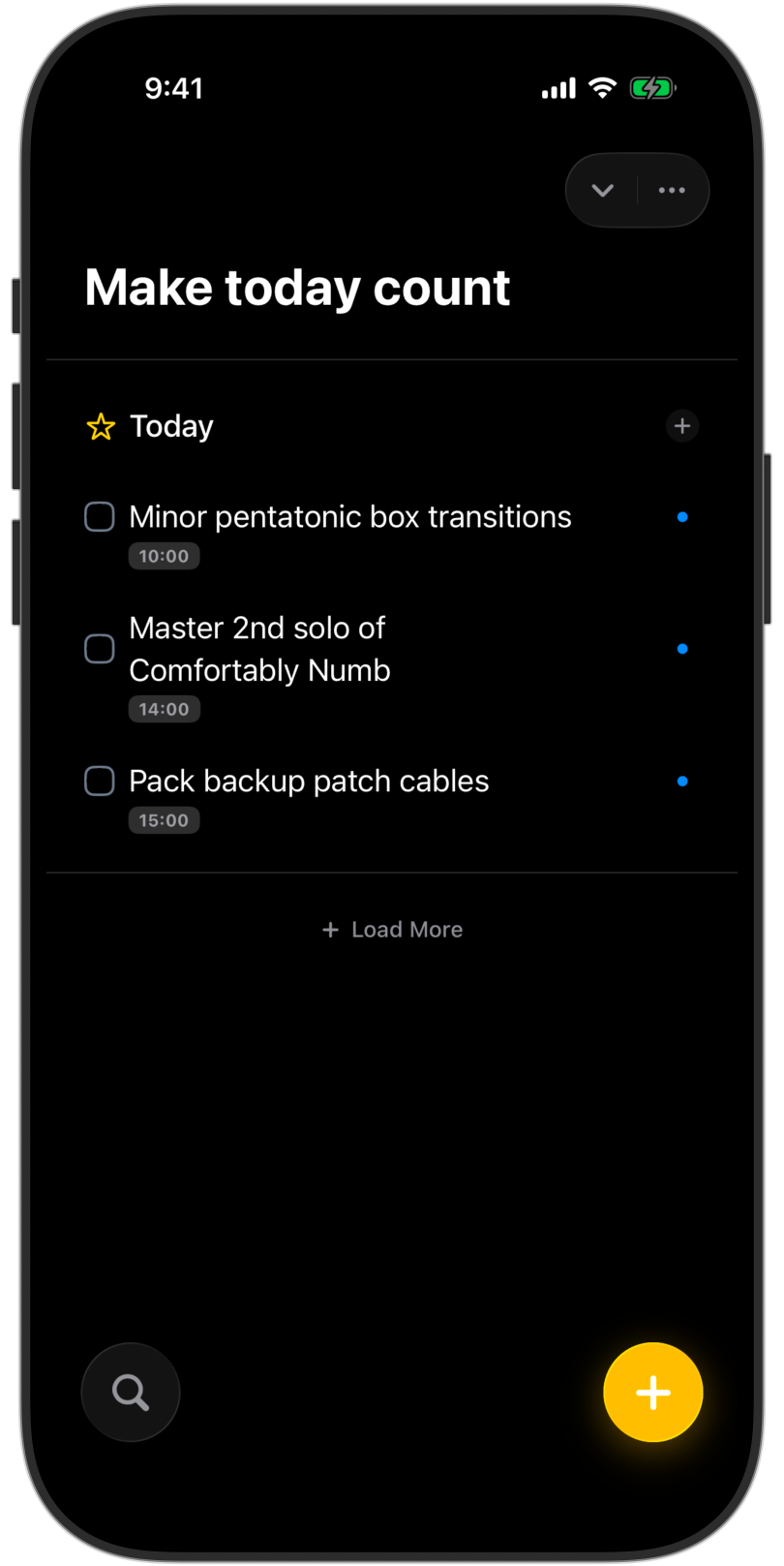
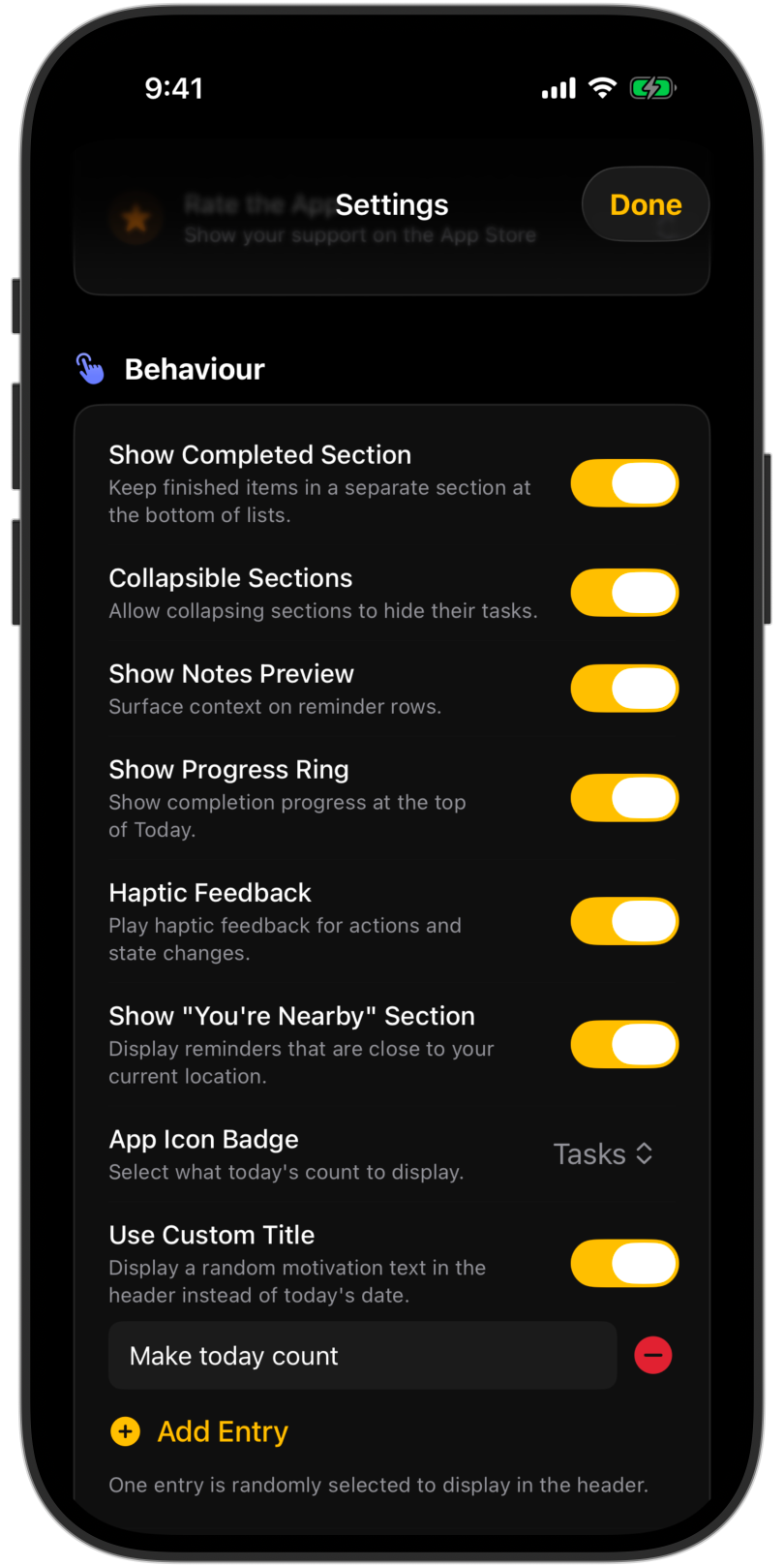
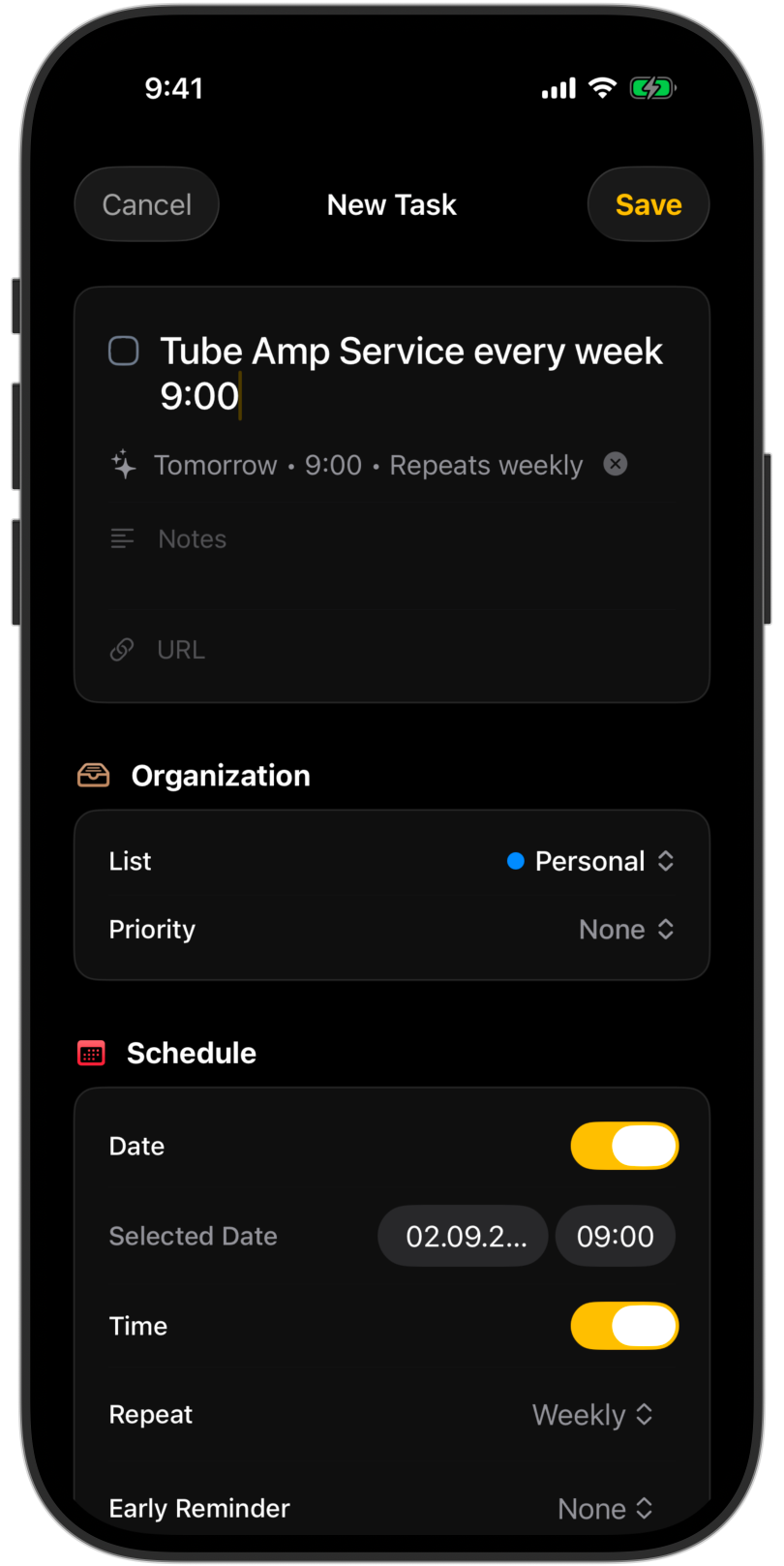
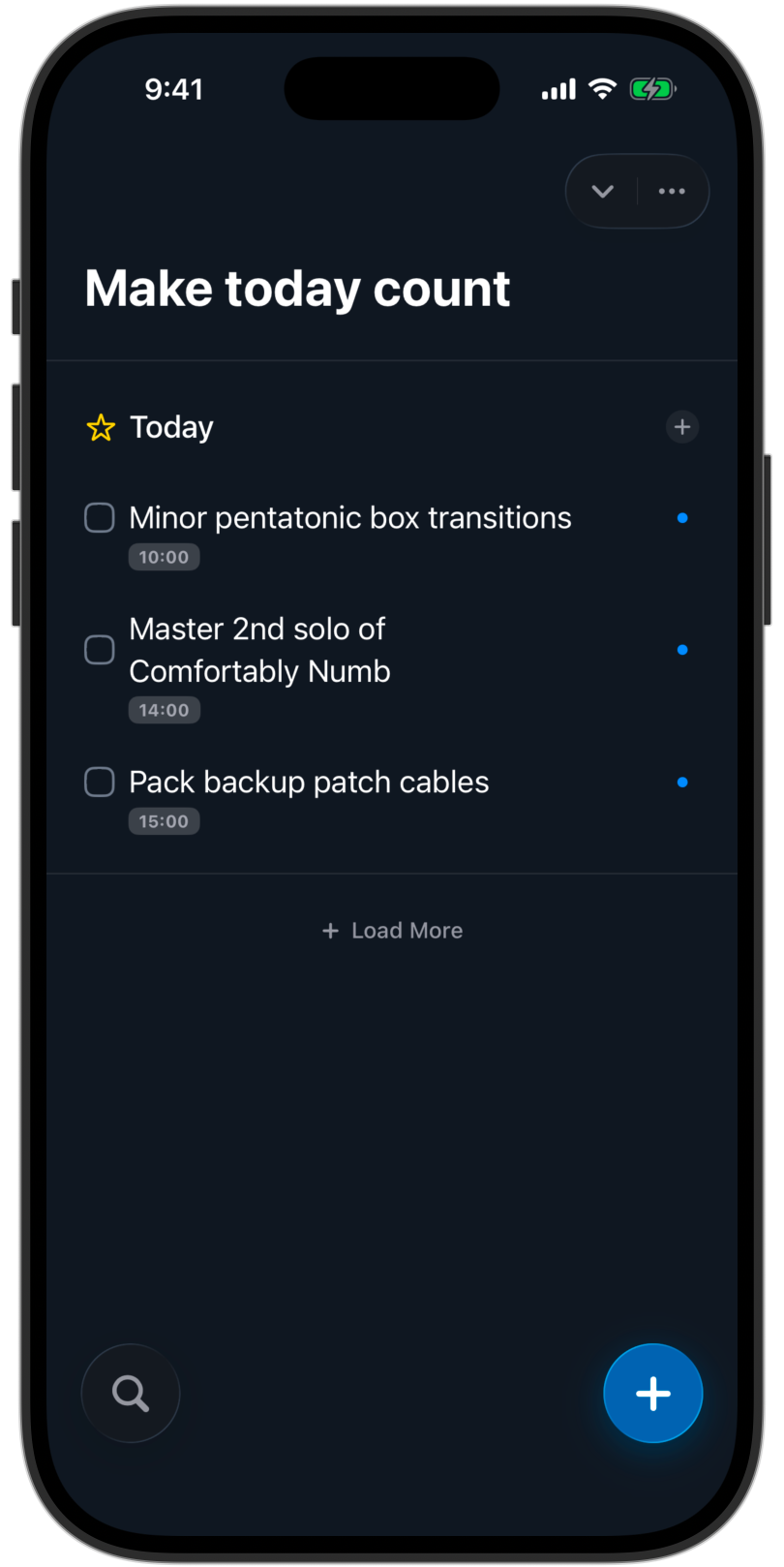
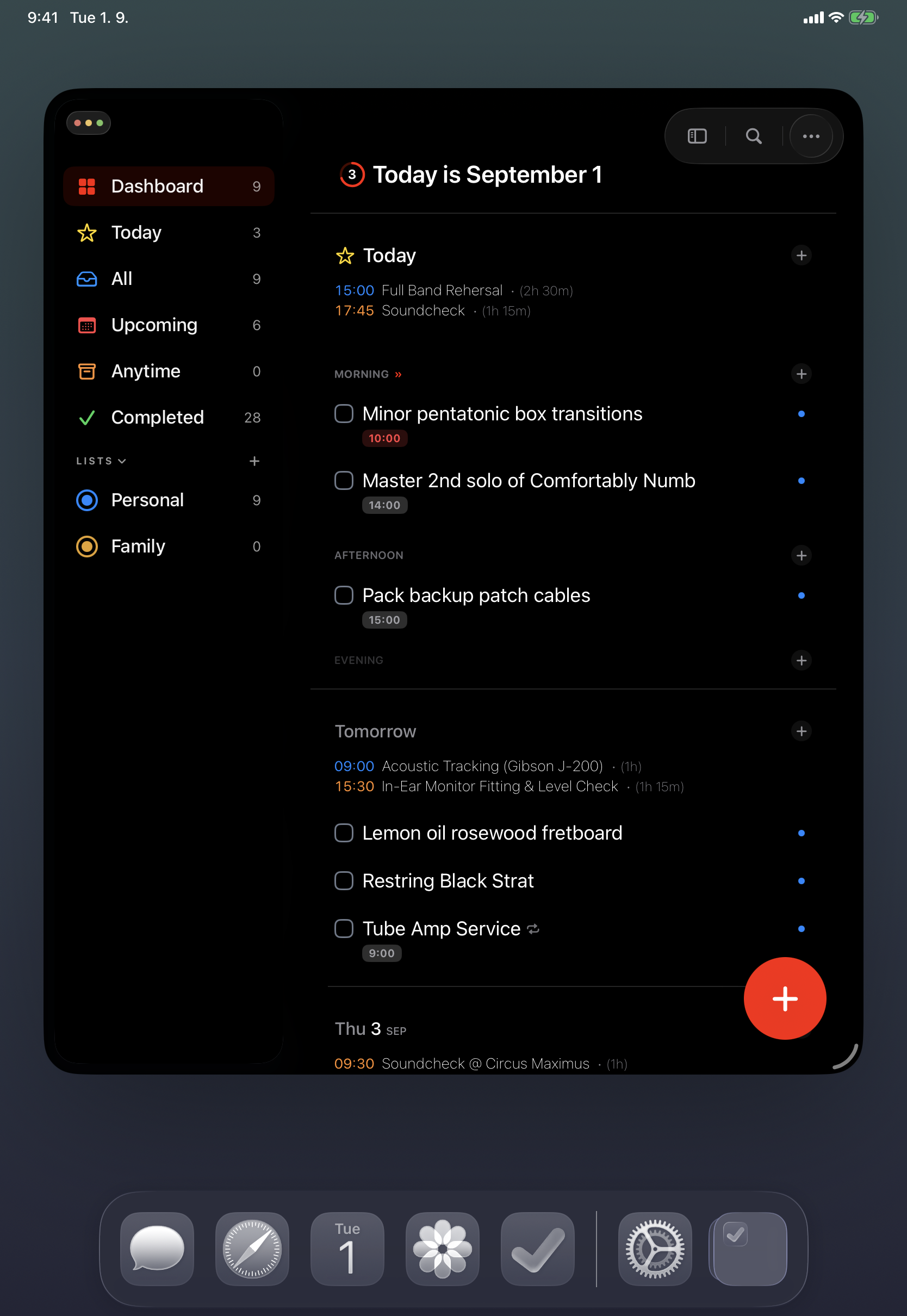
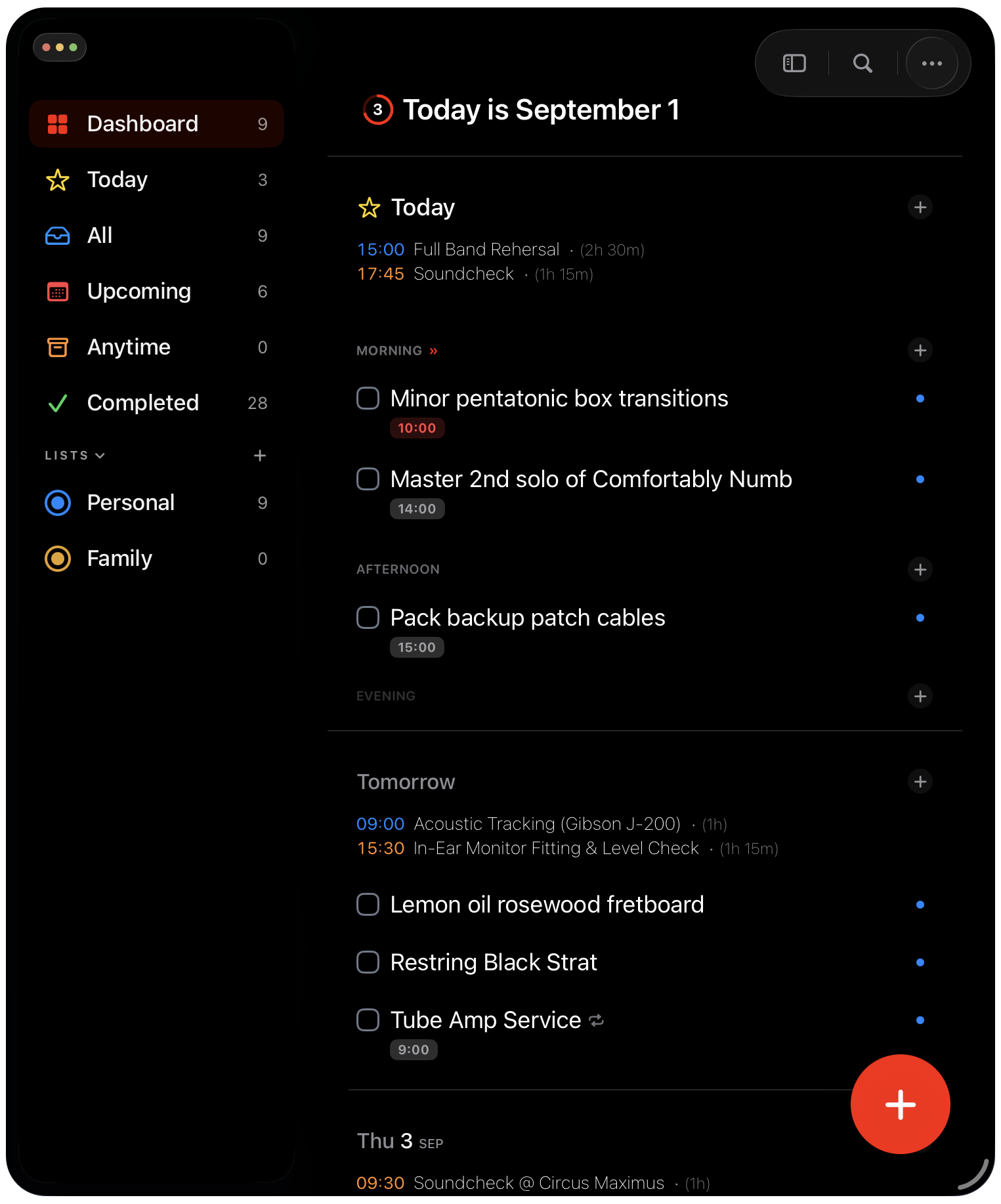
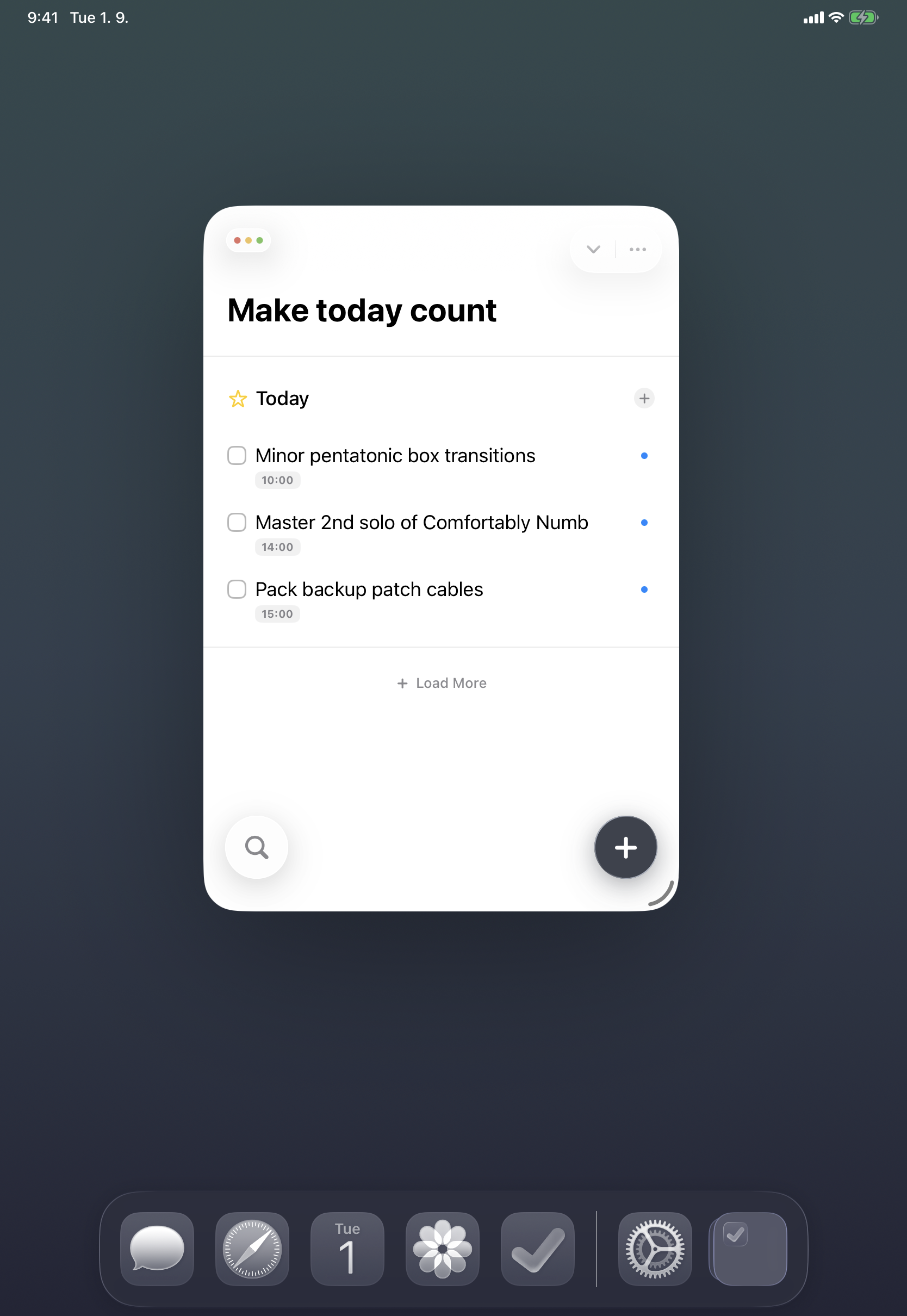
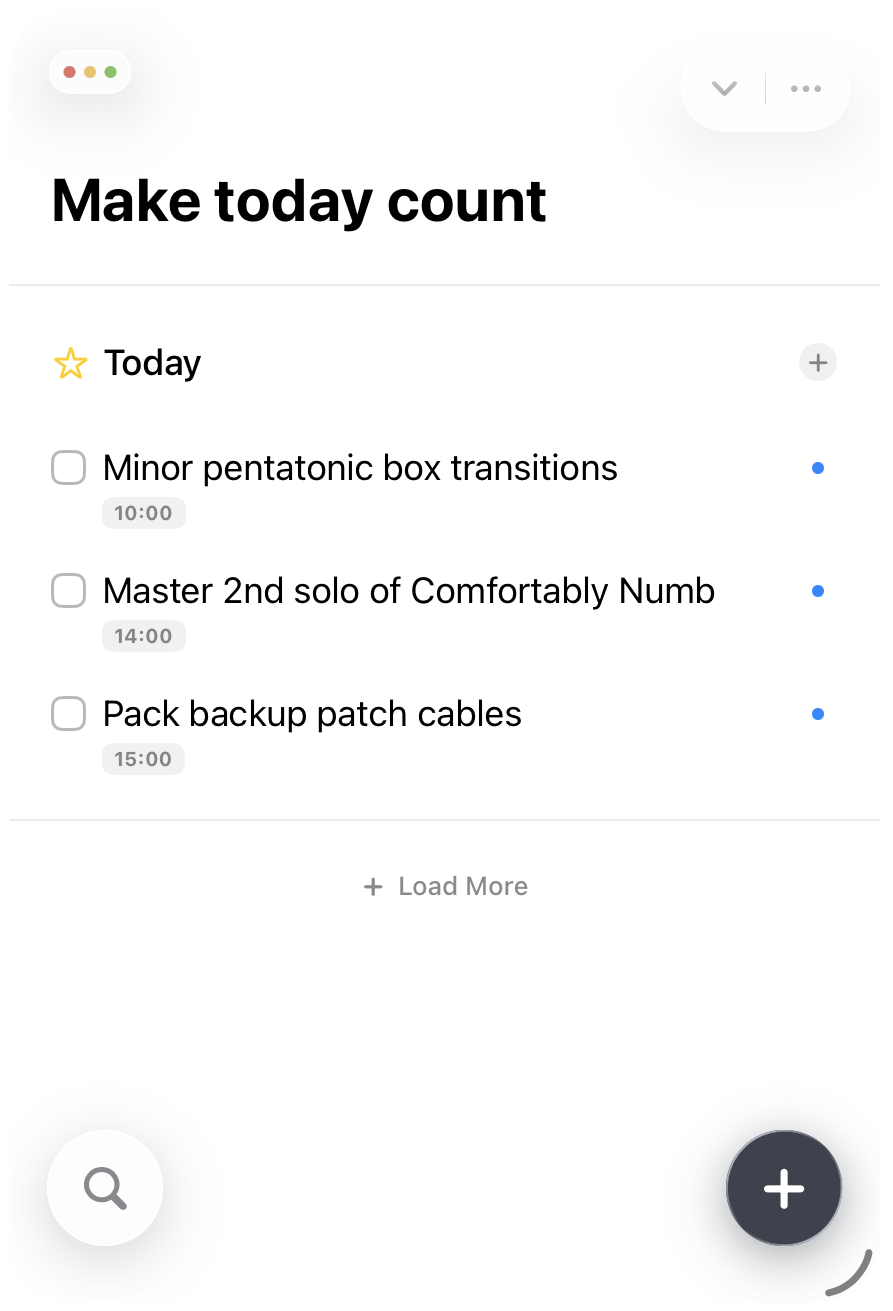
iPhone mockups
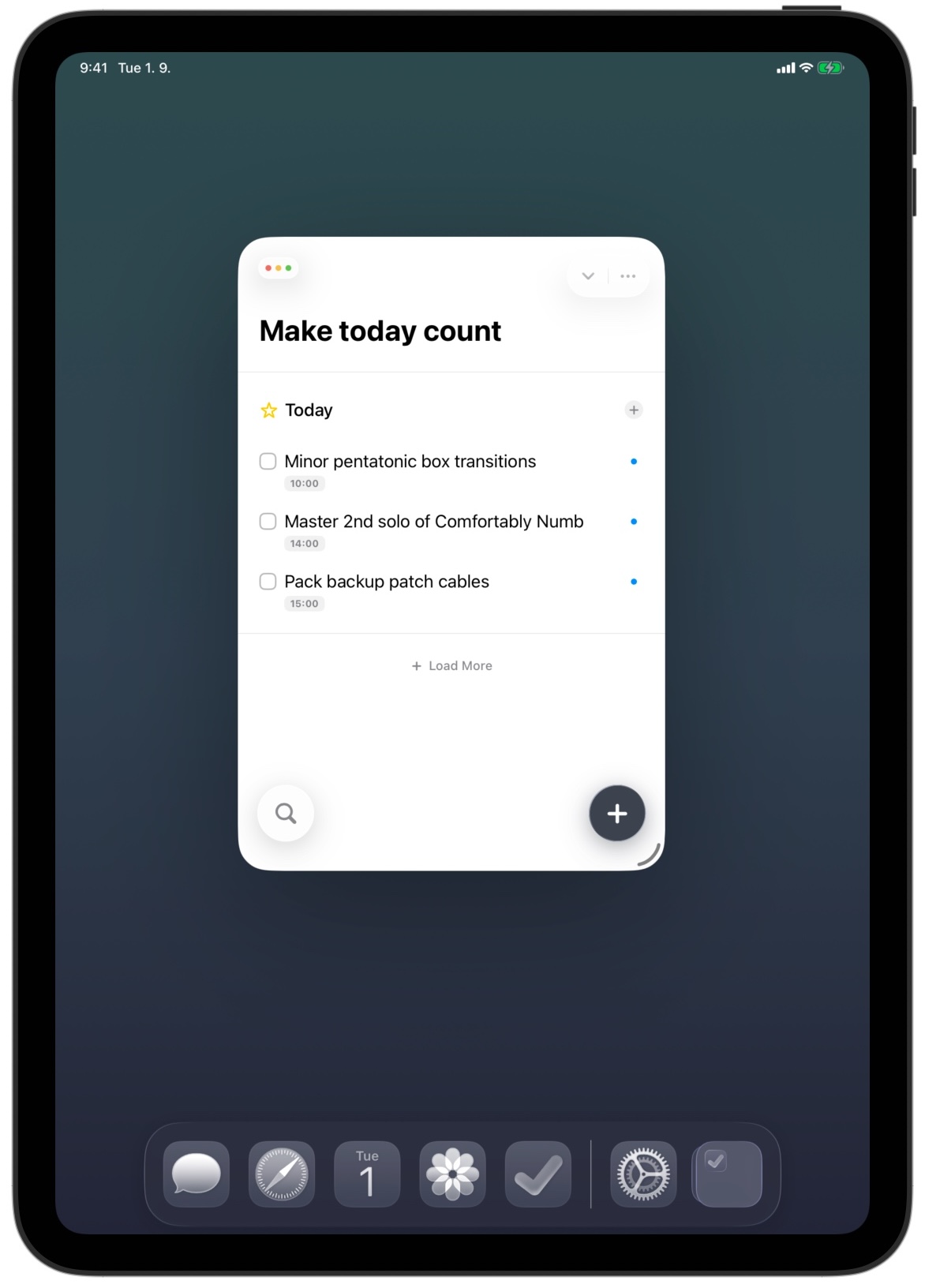
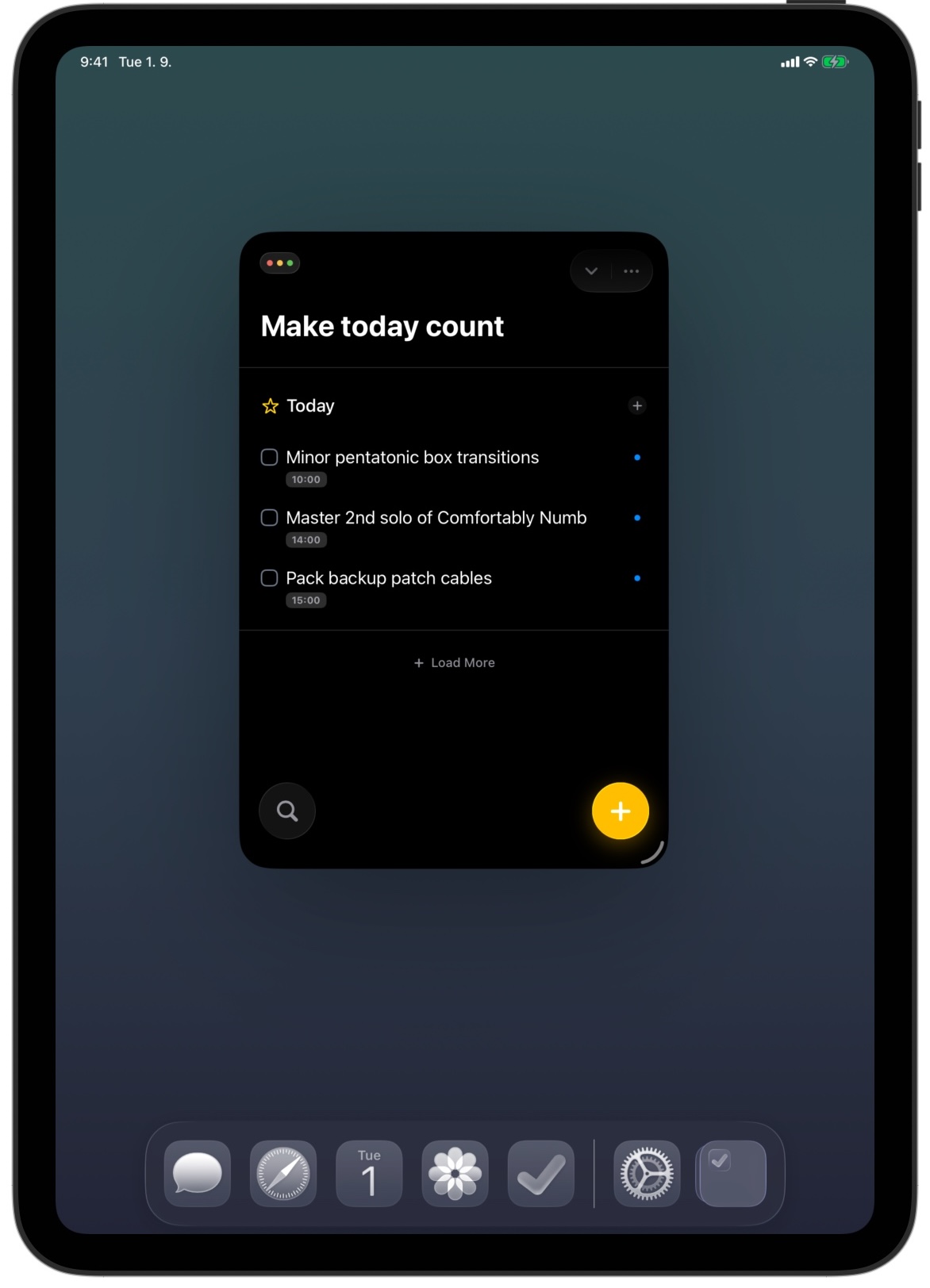
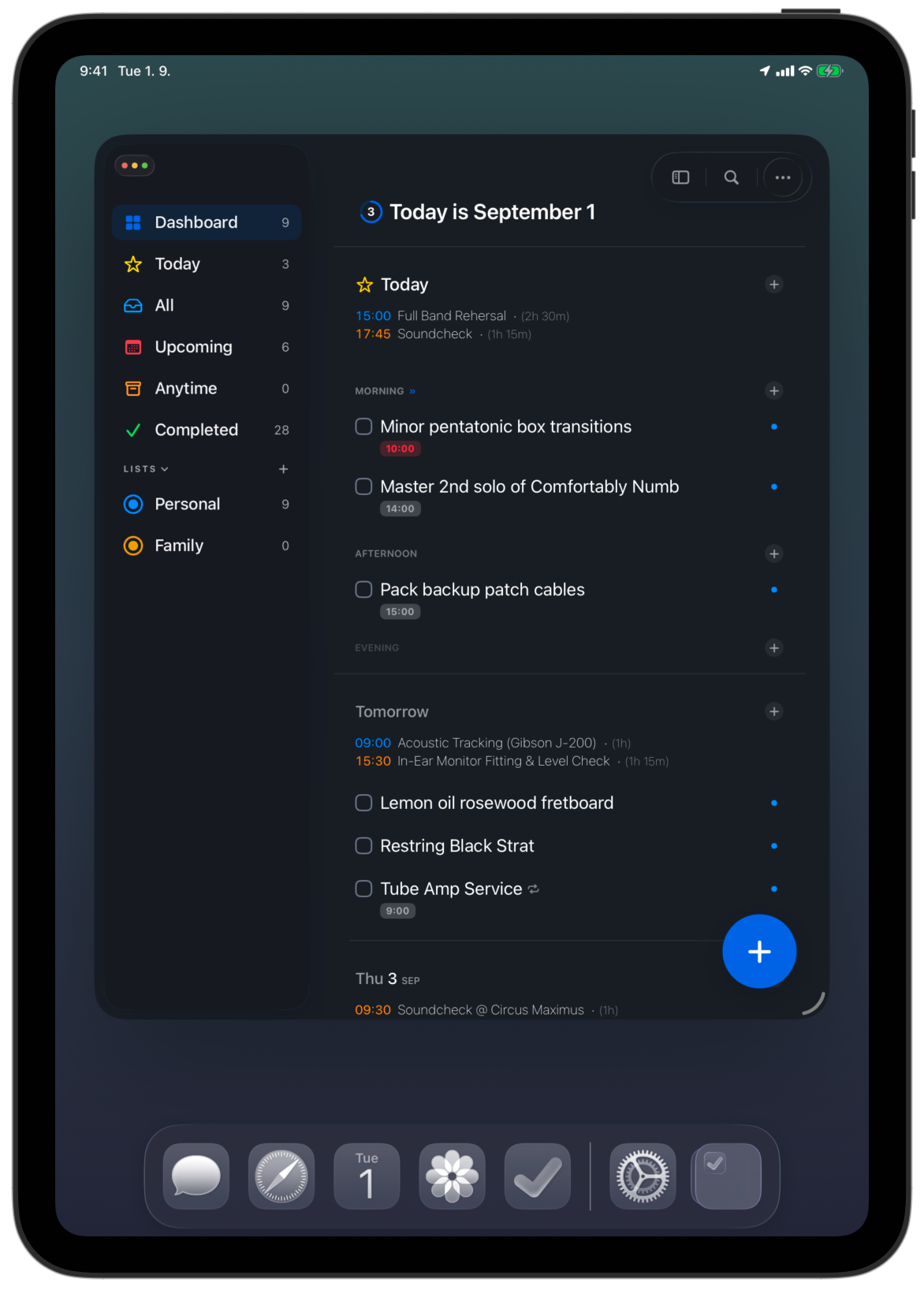
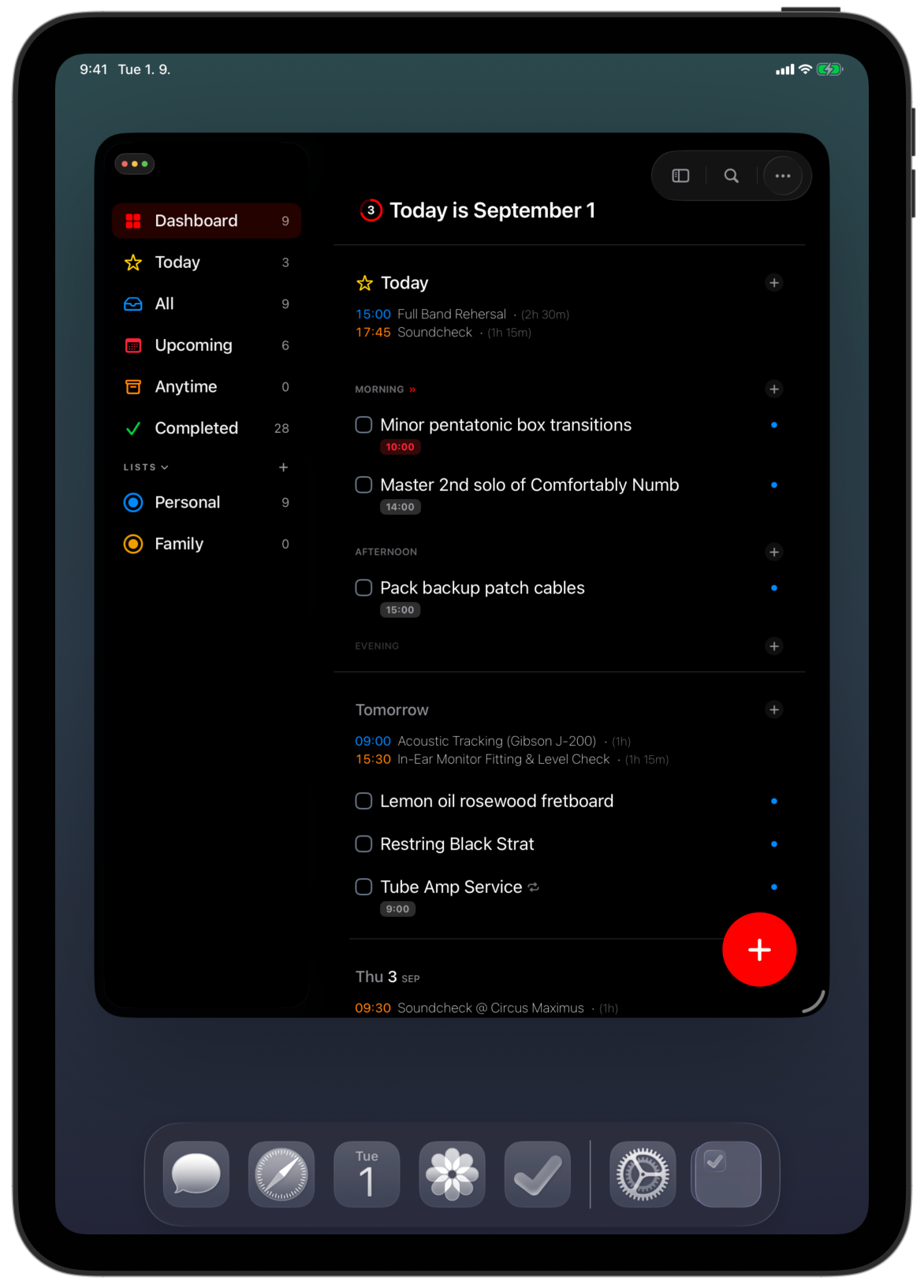
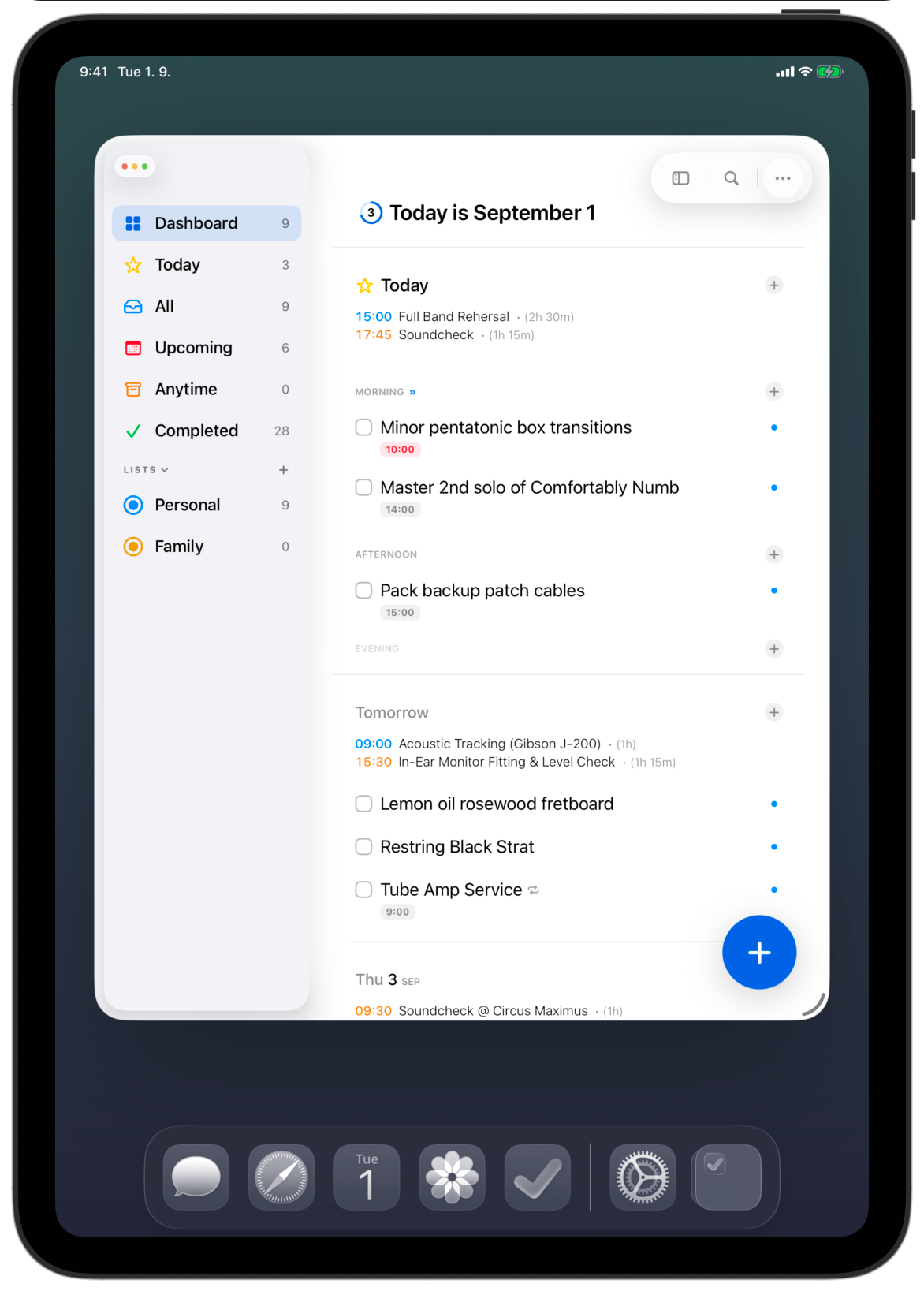
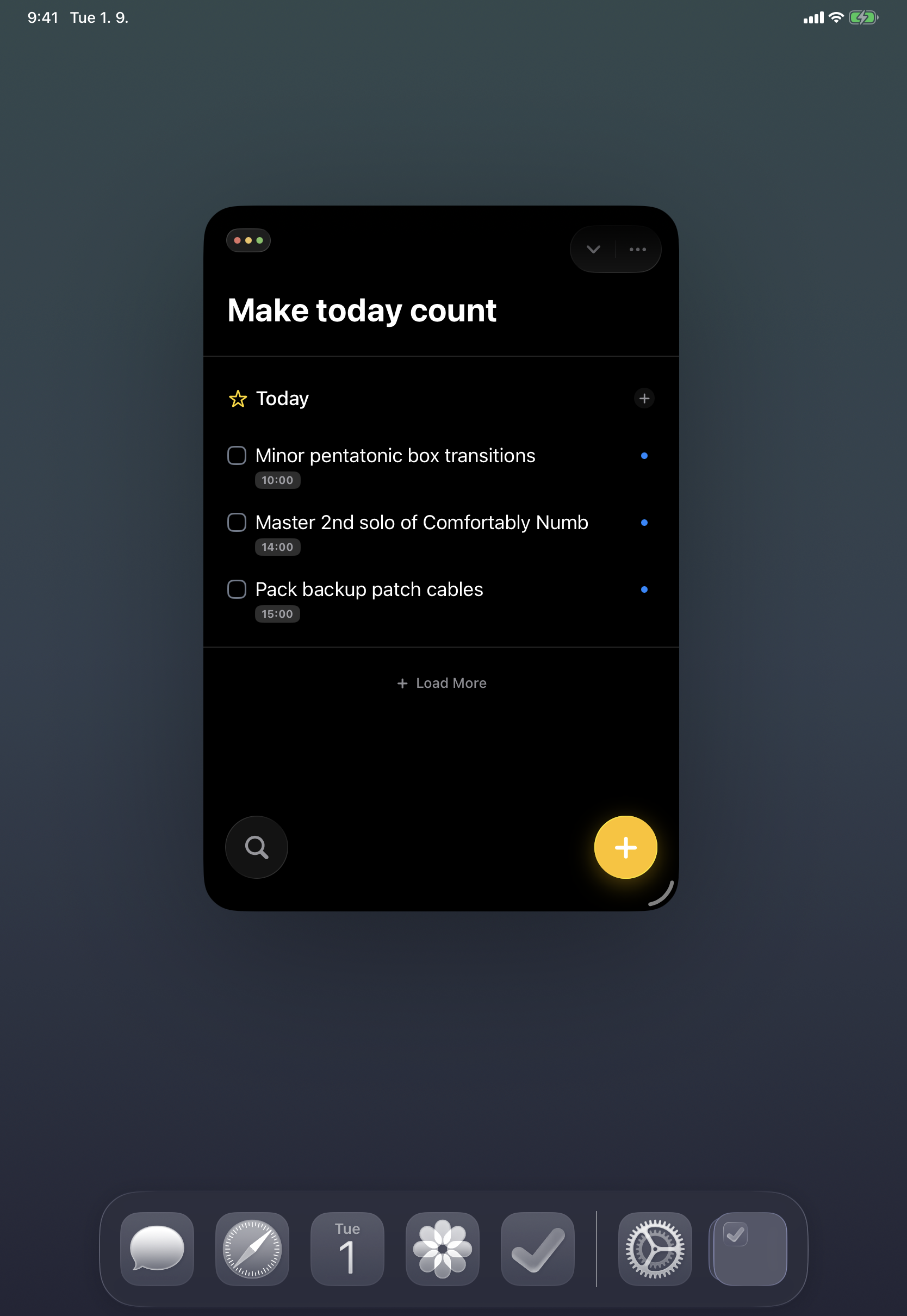
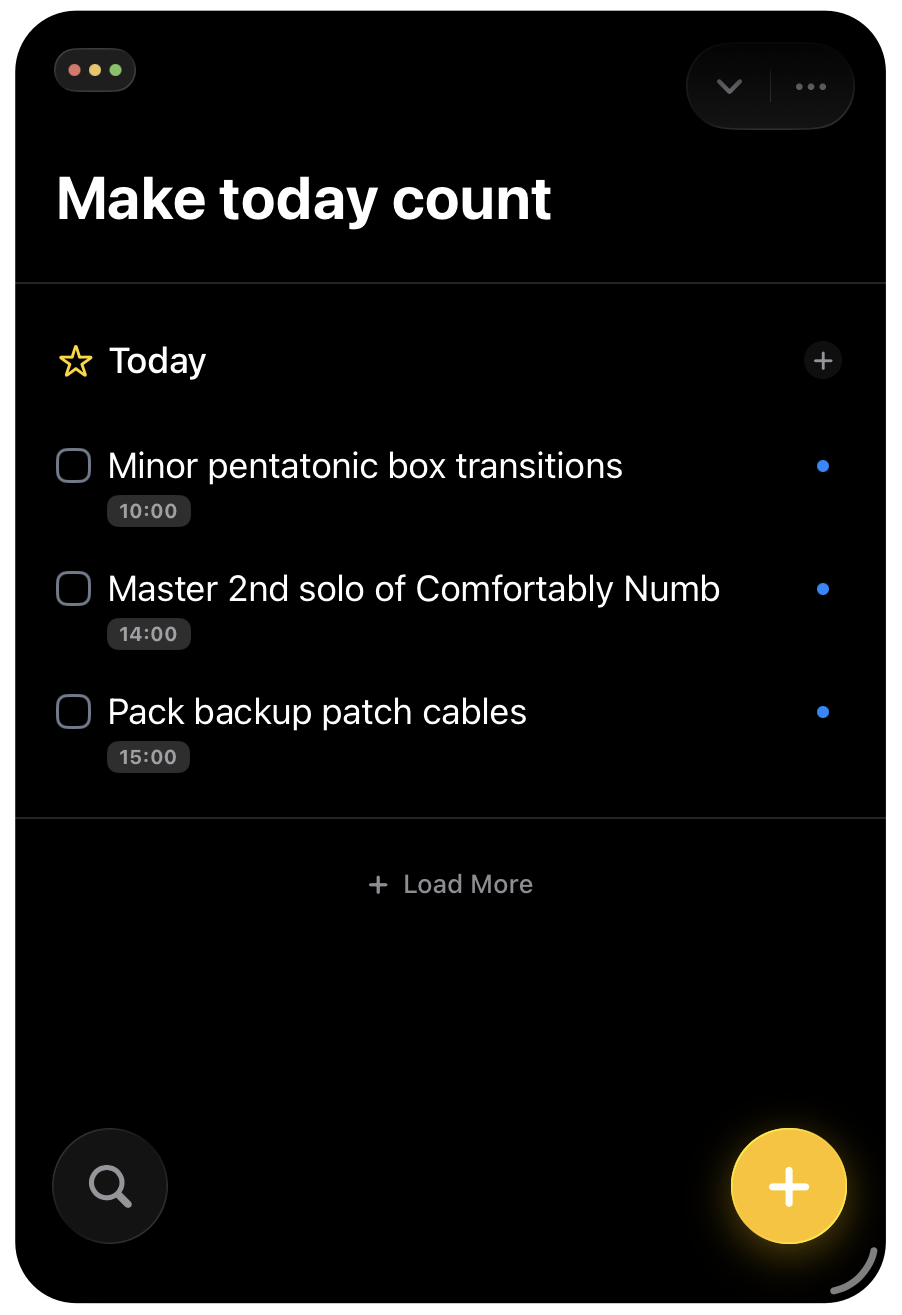
iPad mockups
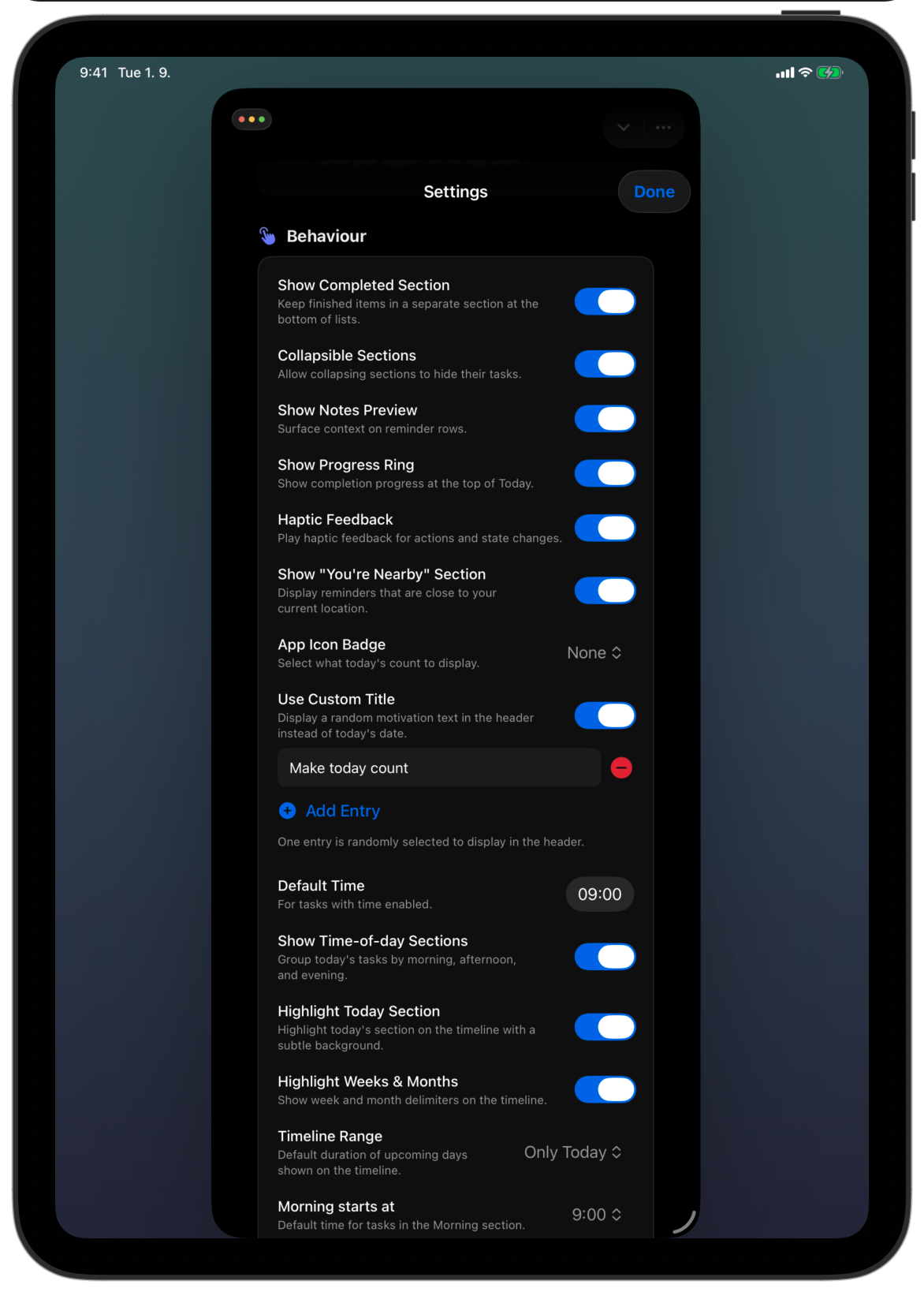
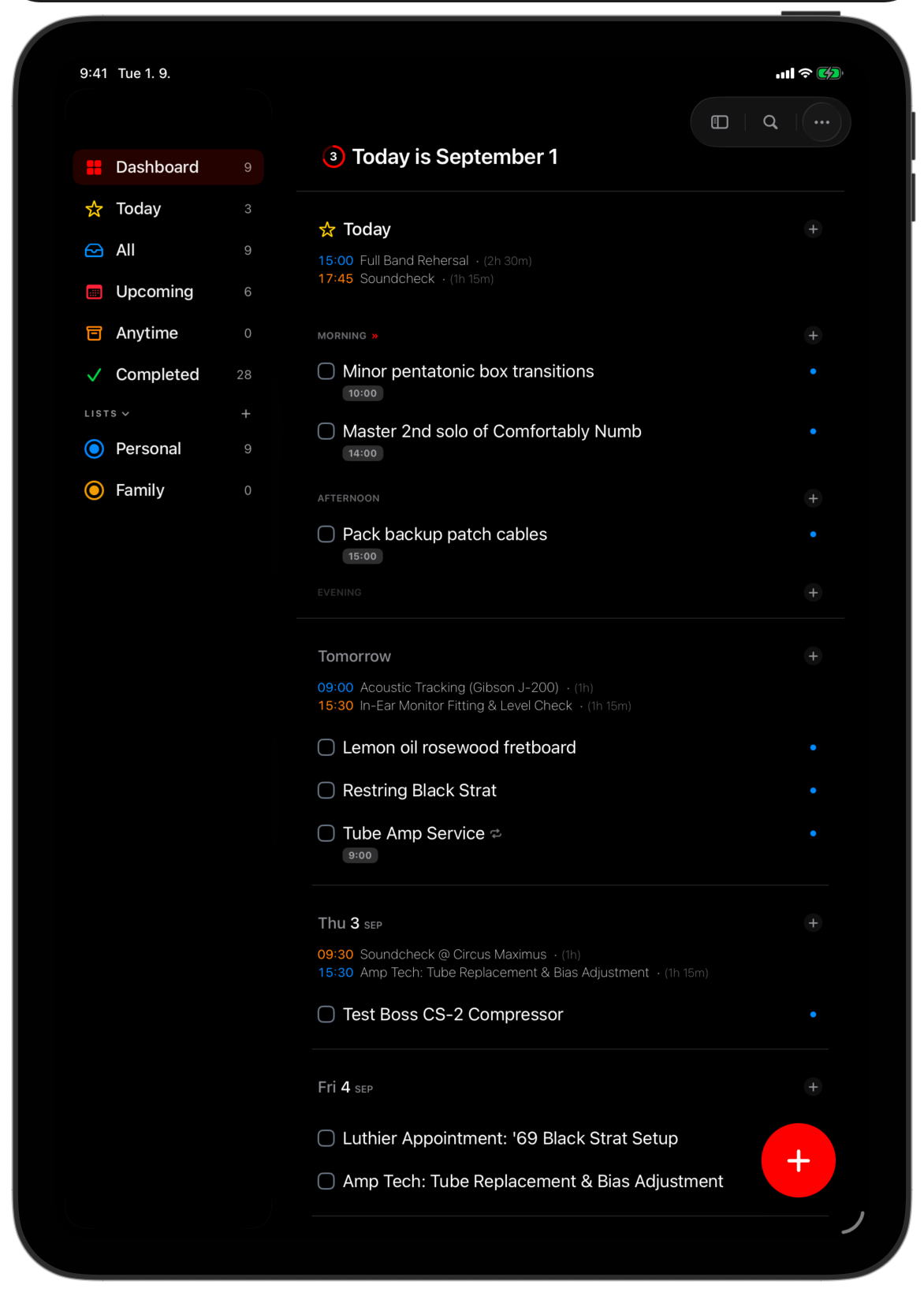
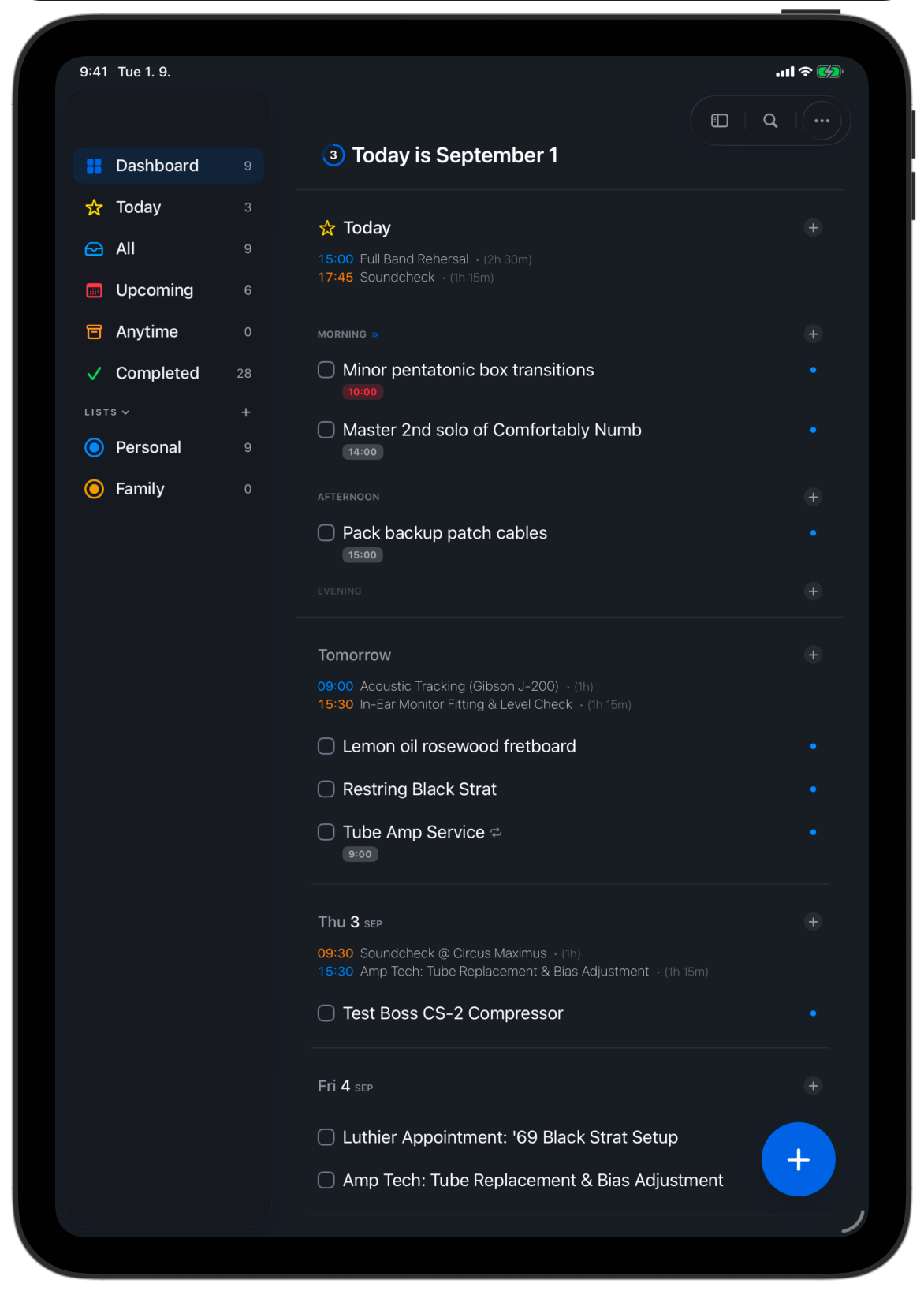
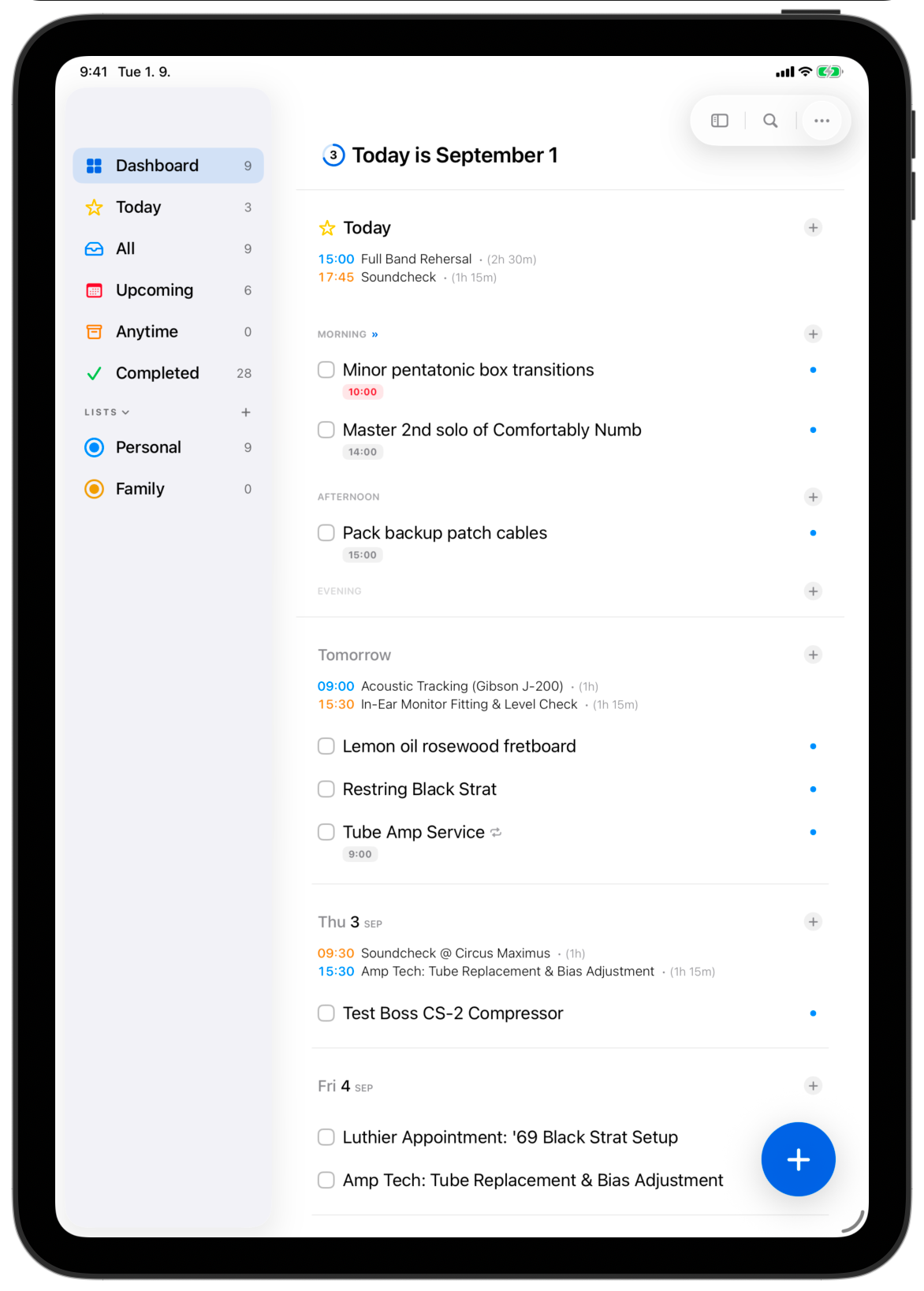
Command-line interface
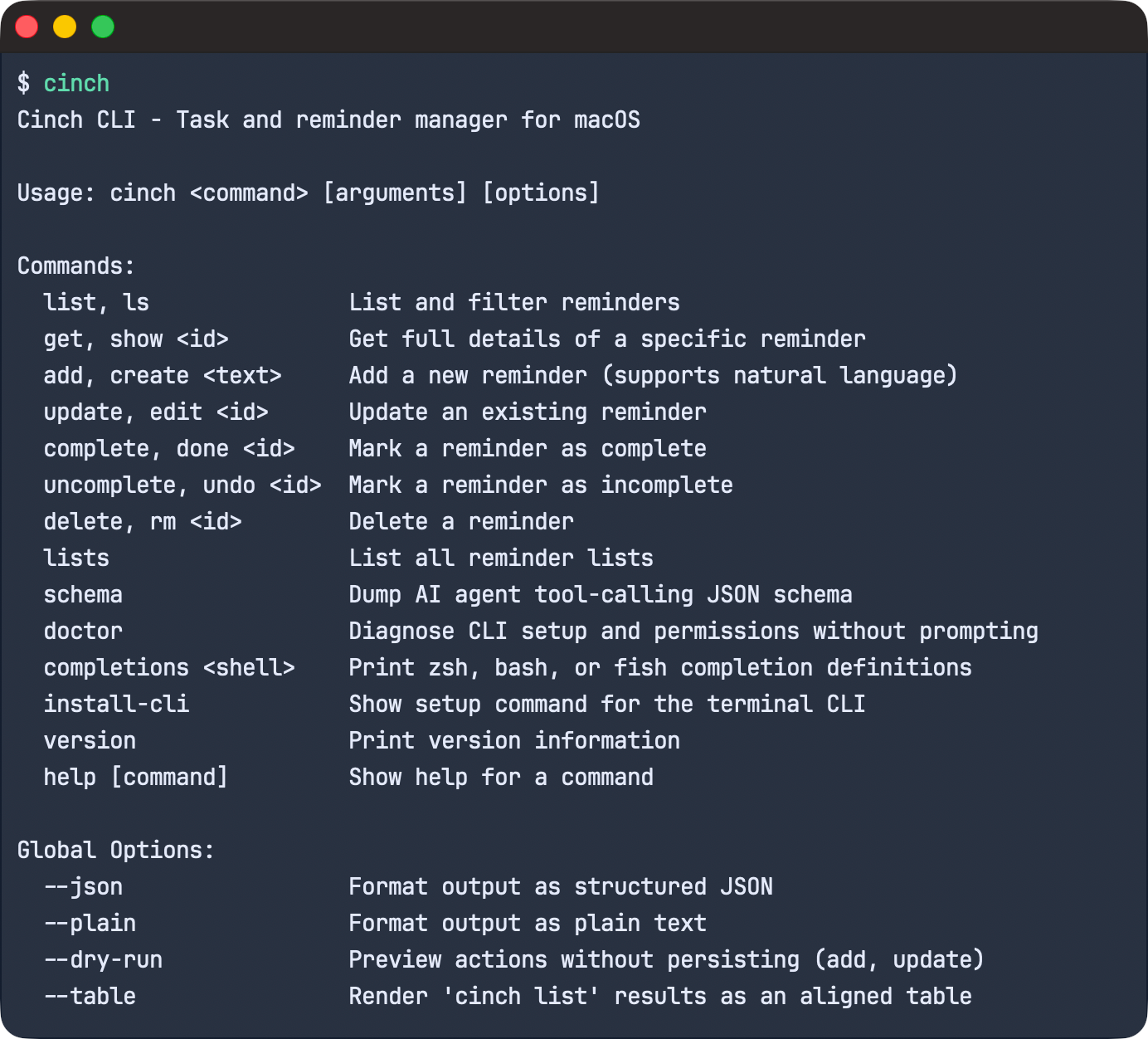
The bundled macOS CLI — useful for technical press covering automation and local AI agents.
Complete library
Download the full press kit (.zip) for every icon, mockup, and screenshot.
Key features & highlights
Core Architecture & Privacy
- Direct EventKit Foundation: Cinch operates as a native front-end directly over Apple's system database rather than creating a proprietary silo. Tasks, notes, and completions write instantly to system Reminders with zero synchronization delay or data migration.
- Zero Third-Party Cloud or Telemetry: No user accounts, passwords, or external servers. All personal tasks and calendar events stay on-device and sync exclusively across Apple devices through personal iCloud accounts.
- Complete System Continuity: Native Siri capture, Apple Watch complications, and native Reminders lists stay completely in sync out of the box.
Visual Timeline & Day Structuring
- Date-First Time-of-Day Slots: Instead of static, endless vertical lists, Cinch breaks your daily schedule into structured Morning, Afternoon, and Evening sections to prevent cognitive overload.
- Inline Apple Calendar Events: Read-only Apple Calendar appointments appear alongside tasks directly inside the timeline. Users can gauge their actual available free time between meetings without jumping between two separate apps.
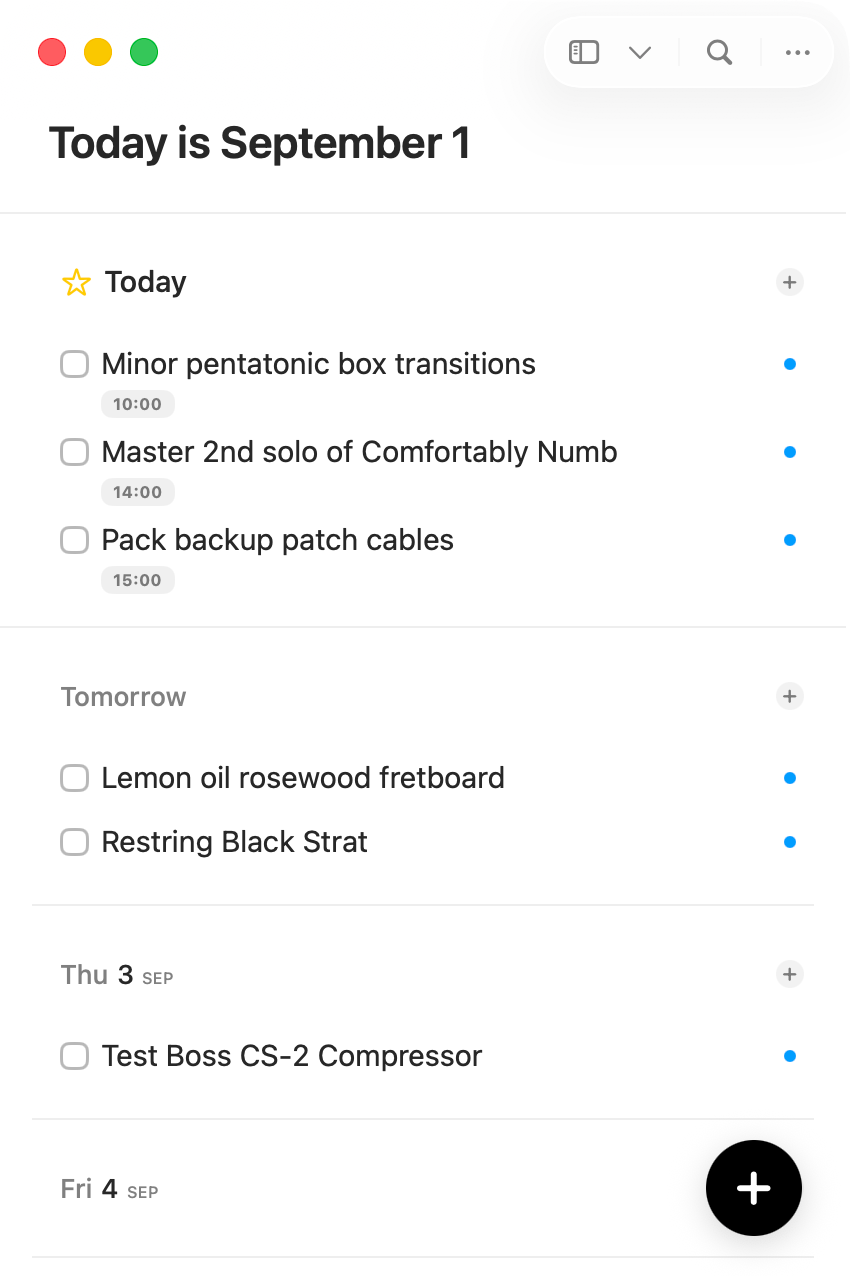
- Drag-and-Drop Rescheduling: Tasks can be picked up and dropped across future days (e.g., Tomorrow, Saturday, Next Week) to adjust due dates without opening modal date pickers.
- Elastic Timeline Scope: Expand or collapse the timeline dynamically – from a minimal single-day view to a full 365-day chronological overview.
- Integrated Schedule Dashboard: A unified hub displaying pinned lists, active projects, and daily schedule totals in a single view.
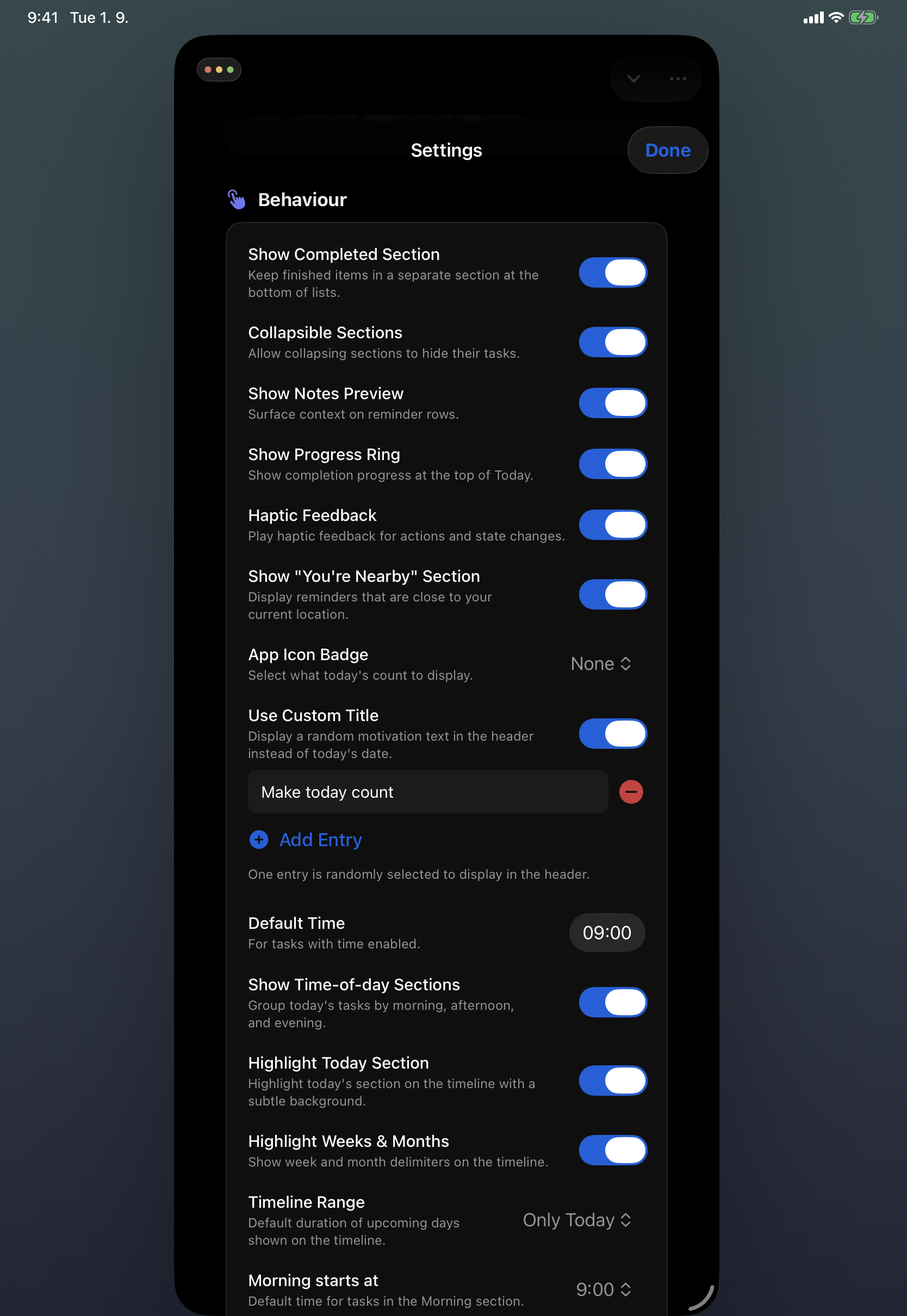
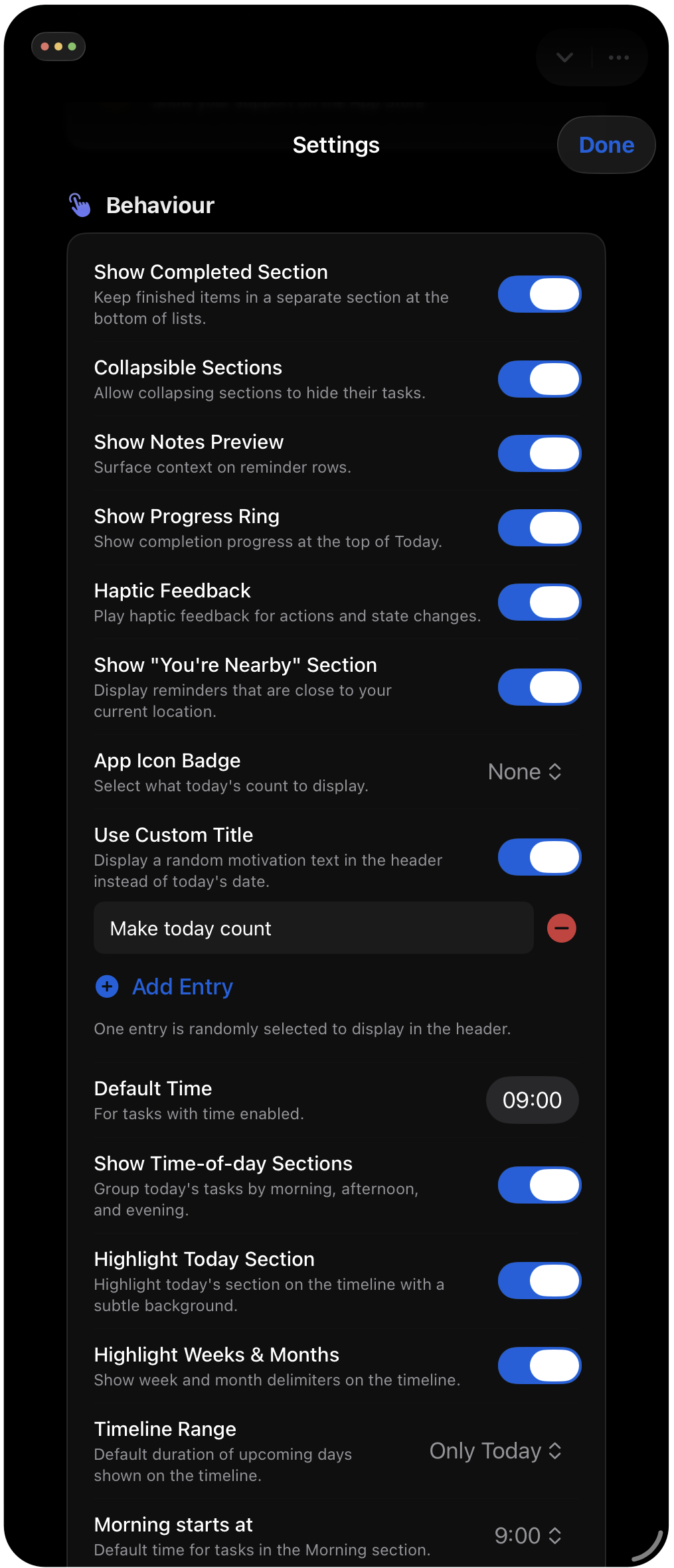
- Custom Motivation Lines: Users can curate a custom collection of personal motivation lines or focus prompts. Instead of displaying the standard date heading, Cinch randomly cycles through these lines in the main header to keep daily focus intentional and grounded.
macOS Power-User Keyboard Suite
- Vim-Style Movement: Navigate the entire timeline, individual task lists, and search results mouse-free using
jandk(or standard arrow keys). - Single-Key Deferral: Instantly push tasks into the future without opening date menus:
S: Reschedule to tomorrowN/P: Move to next or previous dayM/A/E: Move a task directly into the Morning, Afternoon, or Evening slot
- Single-Key Prioritization: Set priority levels instantly using
1(High),2(Medium),3(Low), or0(Clear priority). - Rapid Inline Task Management: Press
Spaceto complete/reopen,Returnto edit inline,Ito insert a task directly into the selected time section, andOto open any attached URL. - Bulk Navigation & Batch Deferral: Select multiple tasks simultaneously with
Shift + J/Kto batch-reschedule, bulk-complete, or reassign lists in one keystroke. - System-Wide Global Quick Add: Capture tasks from any screen or app via a customizable global macOS Service shortcut without bringing Cinch to the foreground. No helper app needed.
Cinch CLI & Local AI Agent Bridge
- Bundled Mac Terminal CLI: Includes a native
cinchcommand executable bundled directly inside the App Store build. It installs into~/.local/bin/cinchwithout requiringsudoor sandbox workarounds. - Machine-Readable Agent Schema (
cinch schema): Generates a complete, structured JSON schema outlining every command, argument, flag, and error contract. Designed specifically for local LLM tools (Claude Code or Cowork, ChatGPT Code or Work, Antigravity, other frontier models, or local CLI agents) to perform accurate function and tool-calling over Apple Reminders. - Structured Output Piping: Automatically detects piped stdout or explicit flags (
--json,--plain,--table) to output clean ISO-8601 timestamps and machine-parseable data. - Execution Safety (
--dry-run): Lets terminal users and automated agents preview parsed dates, recurrence patterns, and priority parameters before writing them to the database. - Shell Completions & Diagnostics: Native completion scripts for
zsh,bash, andfish, plus a read-onlycinch doctordiagnostic command that verifies permissions and PATH status without triggering system prompts.
Natural Language & Organization
- Intelligent Title Parsing: Translates natural phrasing (e.g., "Submit report every Friday at 5pm !!! #Work") into structured parameters – setting due dates, recurrence rules, priority tags, and list routing automatically while keeping the final task title clean.
- Broad Multilingual Parsing: Built-in natural-language date parsing across 12 languages: English, Czech, German, Spanish, French, Italian, Japanese, Korean, Polish, Portuguese, Slovak, and Simplified Chinese.
- Geofenced Location Alerts & Nearby View: Attach radius-specific arrival or departure geofences to tasks. A dedicated "Nearby" view automatically surfaces tasks that match the user's current physical location.
Multi-Platform Ecosystem & iOS 27 Features
- Native 5-Platform Release: Built specifically for macOS, iOS, iPadOS, watchOS, and visionOS with zero cross-platform web wrappers.
- Apple Intelligence & Siri AI: Built to support modern Apple Intelligence workflows and upgraded Siri AI capabilities, enabling context-aware task actions and hands-free natural task management.
- Interactive & Extra-Large Widgets: Comprehensive widget support featuring interactive check-offs and list filtering across the iOS Home Screen, Lock Screen, StandBy, Mac Desktop, and dedicated Extra-Large widgets.
- Shortcuts & Automation Integration: Deep integration with Apple Shortcuts, letting power users build multi-step automated workflows connecting system Reminders with other native apps.
- Dedicated watchOS Client: A standalone Apple Watch app and modular complications for glancing at upcoming tasks and events right on the watch face.
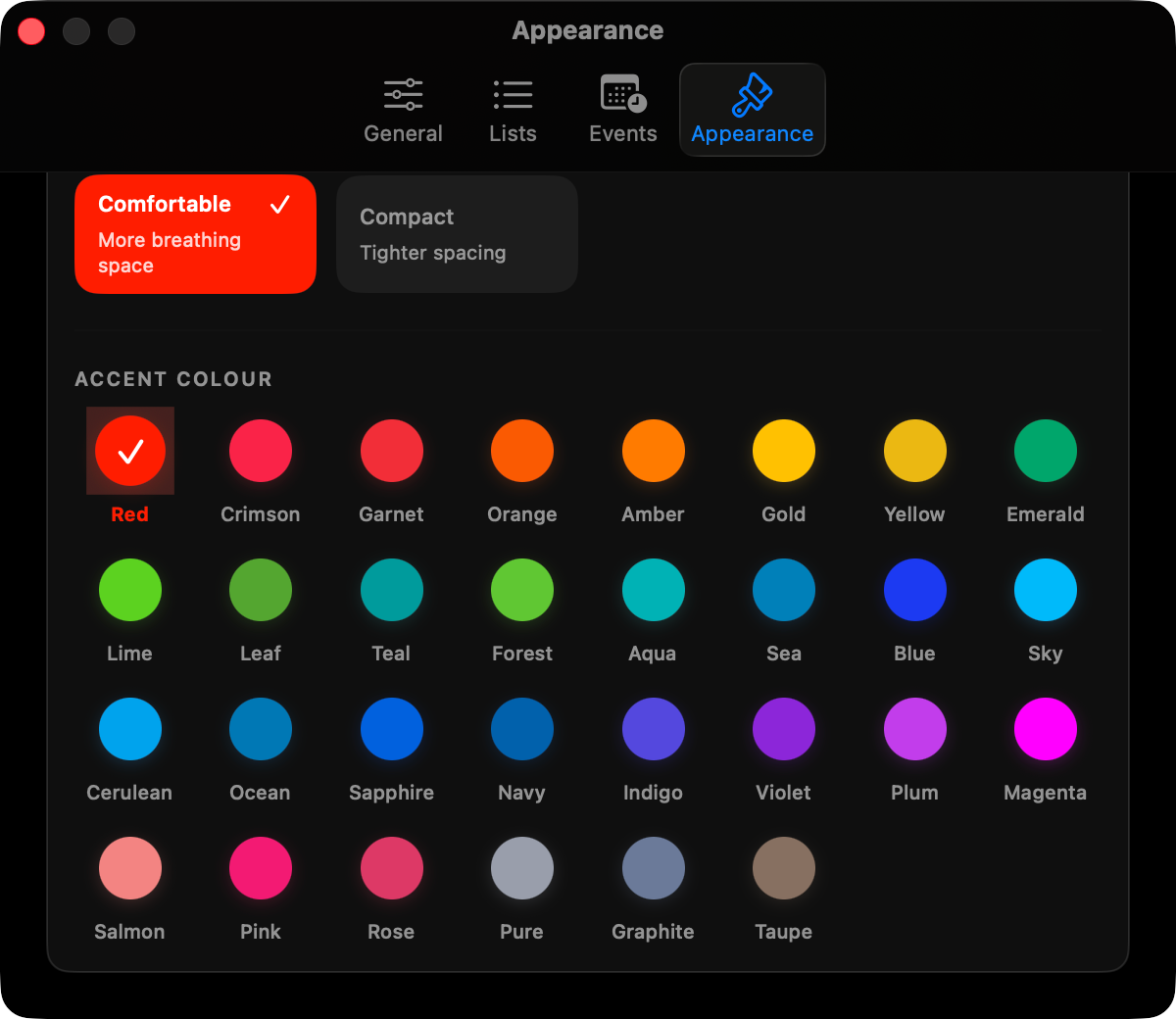
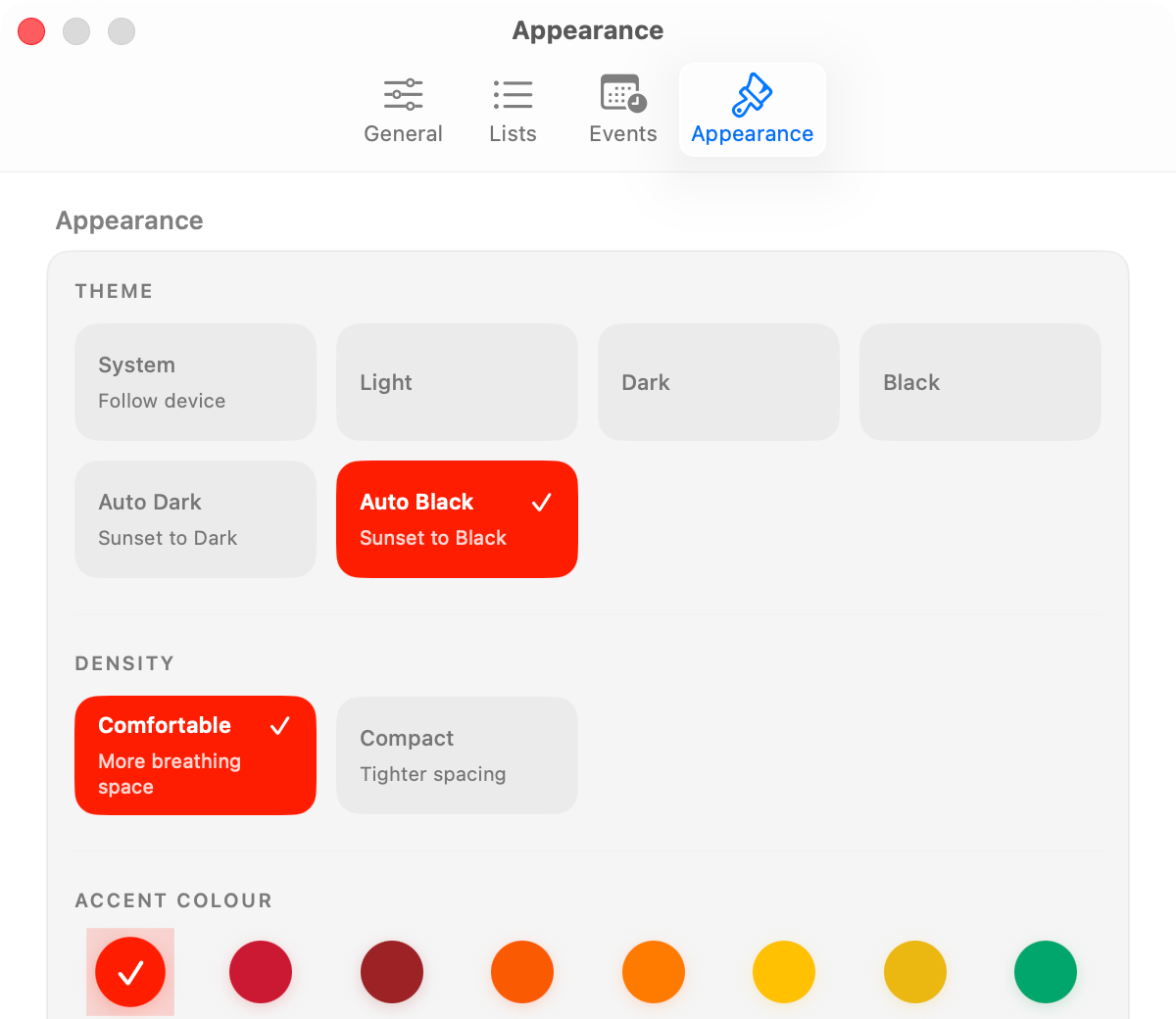
- Custom Themes: Light, Dark, and Black interface personalization with customizable accent colors and optional automatic theme switching based on sunrise and sunset in your location.
- Affordable: One Cinch Pro licence for all your Apple devices, with sharing for up to five family members via Apple Family Sharing.
About the developer
Petr Selinger is a freelance developer and web designer based in Brno, Czech Republic, with 15 years of independent practice. He built Cinch as a tribute to honest, native system software – fast, private, and respectful of the platform it runs on.
If you are reviewing Cinch for a publication or newsletter, email press@peteger.com for a complimentary Cinch Pro review code.